March 28, 2026
Real Estate Photo Retouching Guide: Costs, Use Cases & AI
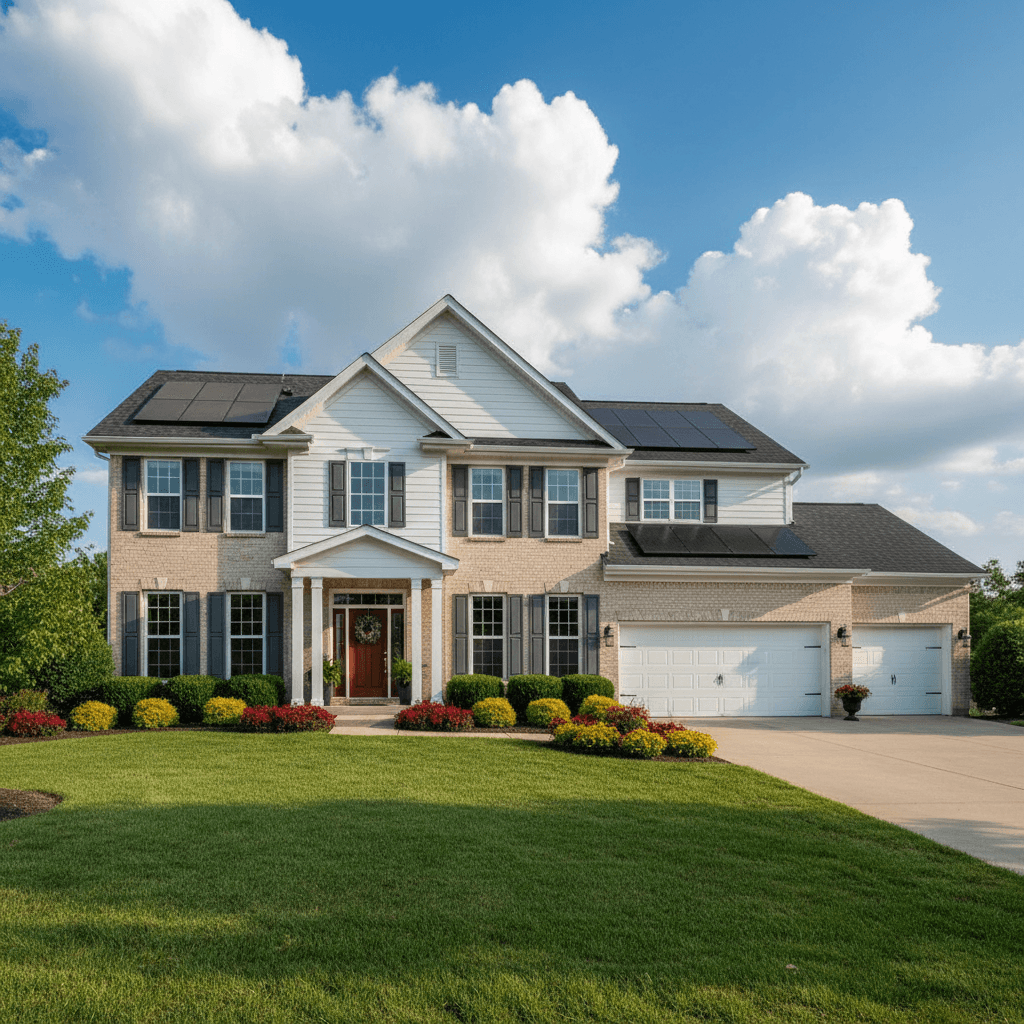
Real estate photo retouching sits between basic enhancement and heavy editing. It's the process of correcting imperfections, removing distractions, and refining details so that listing photos look polished and professional — without misrepresenting the property.
If your main need is fast listing cleanup rather than a general explainer, start with our AI real estate photo enhancement tool and use this guide to decide when retouching is enough.
Understanding what retouching involves, what it costs, and when AI can handle it helps you make better decisions about your listing photo workflow.
What Is Real Estate Photo Retouching?
Photo retouching is different from basic enhancement (adjusting brightness, contrast, and color) and different from heavy editing (virtual staging, virtual renovation). It falls in the middle — fixing specific issues in an otherwise good photo:
- Enhancement adjusts overall image quality: exposure, white balance, sharpness.
- Retouching corrects specific problems: removing reflections, fixing lens distortion, cleaning up clutter.
- Editing transforms the image: adding furniture, changing the sky, converting day to dusk.
Common Retouching Tasks
Here are the retouching requests that real estate photographers and agents submit most frequently:
Removing reflections
Mirrors, glass tabletops, and windows frequently show the photographer, camera equipment, or unwanted reflections. Removing these without leaving artifacts requires careful clone-and-fill work.
Fixing lens distortion
Wide-angle lenses are essential for interior photography, but they create barrel distortion — walls that bow outward, vertical lines that lean. Perspective correction straightens these lines so rooms look true-to-life.
Color correction
Mixed lighting (warm bulbs plus cool daylight from windows) creates unnatural color casts. Retouching corrects white balance so walls, floors, and countertops appear as their actual colors — critical for buyer expectations.
Removing temporary items
Construction materials in a new build, moving boxes during a transition, trash bins on photo day — these distracting elements need to be cleanly removed without leaving visible traces.
Enhancing natural light
Window pull — recovering the outdoor view through bright windows while keeping interiors properly exposed — is one of the most common retouching requests. It makes rooms feel brighter and more inviting.
Sharpening details
Selective sharpening on architectural details, countertops, and fixtures adds crispness without introducing noise. This is especially important for MLS-compressed images that lose detail during upload.
Professional Retouching Services and Pricing
Several established companies specialize in real estate photo retouching. Here's what the leading services charge as of 2026:
| Service | Basic retouching | Advanced retouching | Turnaround |
|---|---|---|---|
| BoxBrownie | $1.60/image | $4–8/image | 24 hours |
| Phixer | $2–5/image | $10–25/image | 12–24 hours |
| PhotoUp | $1.50–3/image | $5–15/image | 24–48 hours |
All three offer pay-per-image pricing with no monthly commitment. BoxBrownie is generally the most affordable for basic edits at $1.60 per image. Phixer positions itself for higher-end work with prices to match. PhotoUp offers a middle ground with subscription options for regular users.
AI Retouching: What It Can and Can't Do
AI-powered tools have gotten remarkably good at many retouching tasks, but they're not a universal replacement for human editors. Here's an honest breakdown:
What AI handles well
- Brightness and exposure correction — AI excels at balancing interior exposure with window views.
- Color correction — automatic white balance produces consistently accurate results.
- Sky replacement — AI sky replacement is now virtually indistinguishable from manual work.
- Decluttering — removing objects from rooms and filling in the background naturally.
- Perspective correction — straightening vertical lines and correcting wide-angle distortion automatically.
Where human editors still win
- Complex mirror reflections — removing a photographer from a large mirror while maintaining realistic reflections of the room requires manual skill.
- Detailed object manipulation — tasks like moving a piece of furniture or replacing a specific fixture need human judgment.
- Complex composites — combining multiple exposures with tricky elements (chandeliers, glass surfaces, pools) sometimes needs a human touch.
Quality Benchmarks: What MLS-Ready Photos Look Like
Regardless of who does the retouching — a human editor, AI, or you — the end result should meet these standards:
- Straight verticals. Walls, door frames, and columns should be vertical. Tilted lines look unprofessional.
- Balanced exposure. Interior details and window views should both be visible. No blown-out windows or cave-dark interiors.
- Accurate colors. What buyers see online should match what they see in person. Over-saturated skies or artificially warm interiors set wrong expectations.
- No distracting elements. Trash bins, personal items, photographer reflections, and construction debris should be removed.
- Minimum 2048px wide. Most MLS systems display images at this resolution or higher. Anything smaller looks soft on modern screens.
Best Practices: The Line Between Retouching and Misrepresentation
The goal of retouching is to present the property in its best accurate light — not to deceive. Keep these principles in mind:
- Don't remove permanent defects. Cracks in walls, stained ceilings, or damaged flooring should be visible. Hiding these creates legal liability.
- Don't alter room dimensions. Stretching images to make rooms look larger is misrepresentation.
- Do remove temporary distractions. A trash can on photo day isn't a property feature. Neither is your camera bag in a mirror.
- Do enhance, don't fabricate. Brightening a dark room is fine. Adding a window that doesn't exist is fraud.
The Practical Approach for 2026
For most agents and photographers, the optimal workflow combines AI and outsourcing. Use an AI tool like ListingScene for the 80% of retouching that AI handles perfectly — enhancement, color correction, sky replacement, and decluttering. Send the remaining 20% (complex reflections, tricky composites) to a specialist service.
This hybrid approach gives you instant results on most images at $0.09 each, while reserving your outsourcing budget for the edits that genuinely need human attention. The result: better photos, faster delivery, and dramatically lower costs.
Start with ListingScene — you get free credits to test every retouching tool on your own listing photos.