AI Virtual Staging Software for Real Estate Listings


Show possible furniture arrangements in an empty room with virtual staging. ListingScene generates a staged image for you to compare with the original. Review accuracy and disclosures before publication; sales outcomes vary by property and market.
No credit card required.
Stage Any Room Type
Drag the slider to see the transformation. Each room is staged in under 10 seconds.
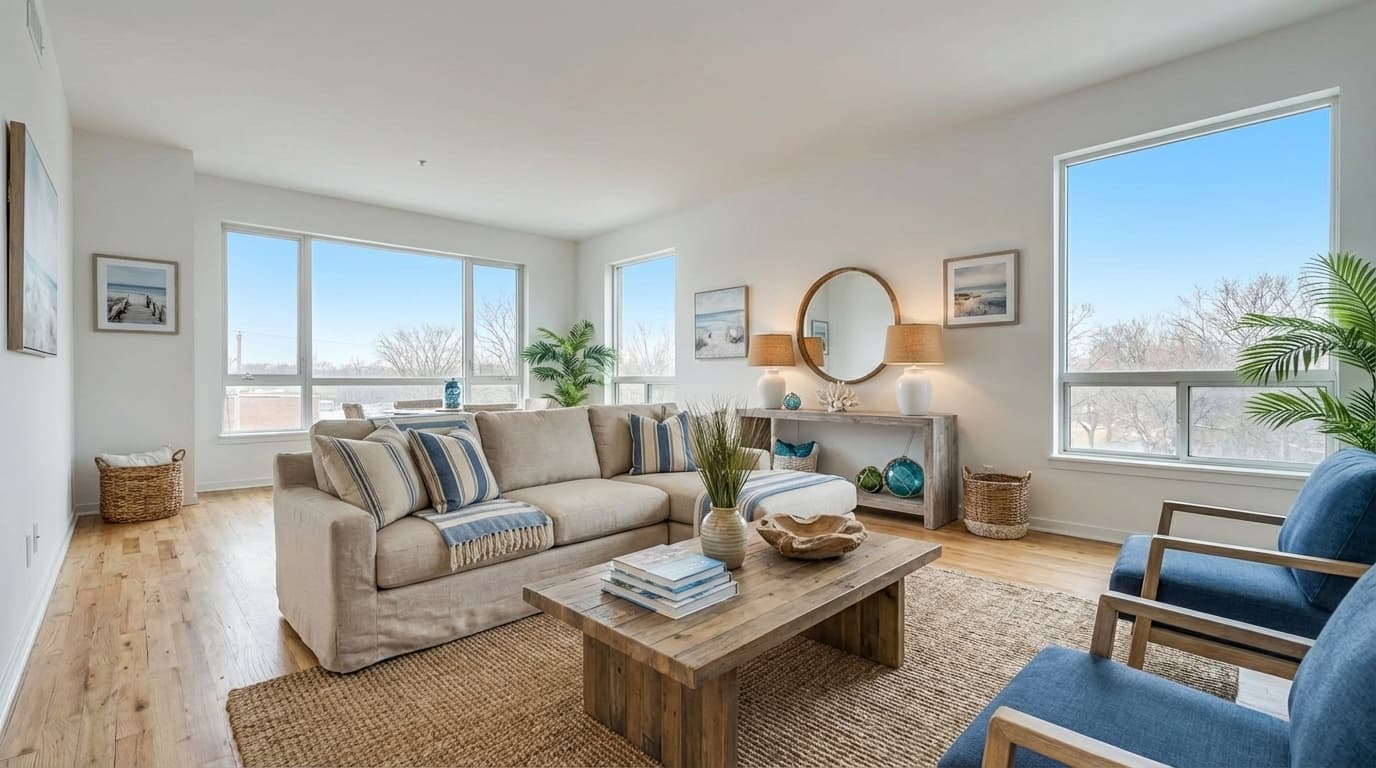
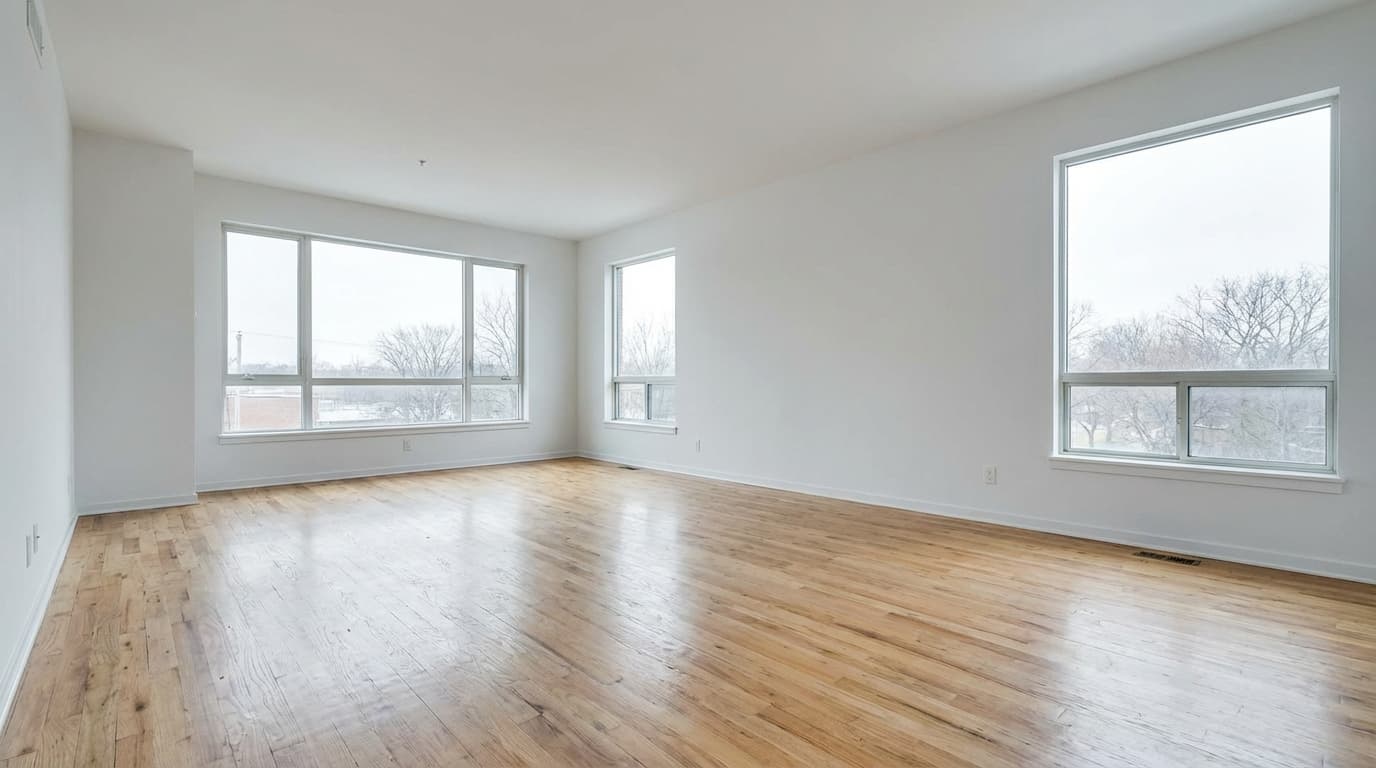
Living Room
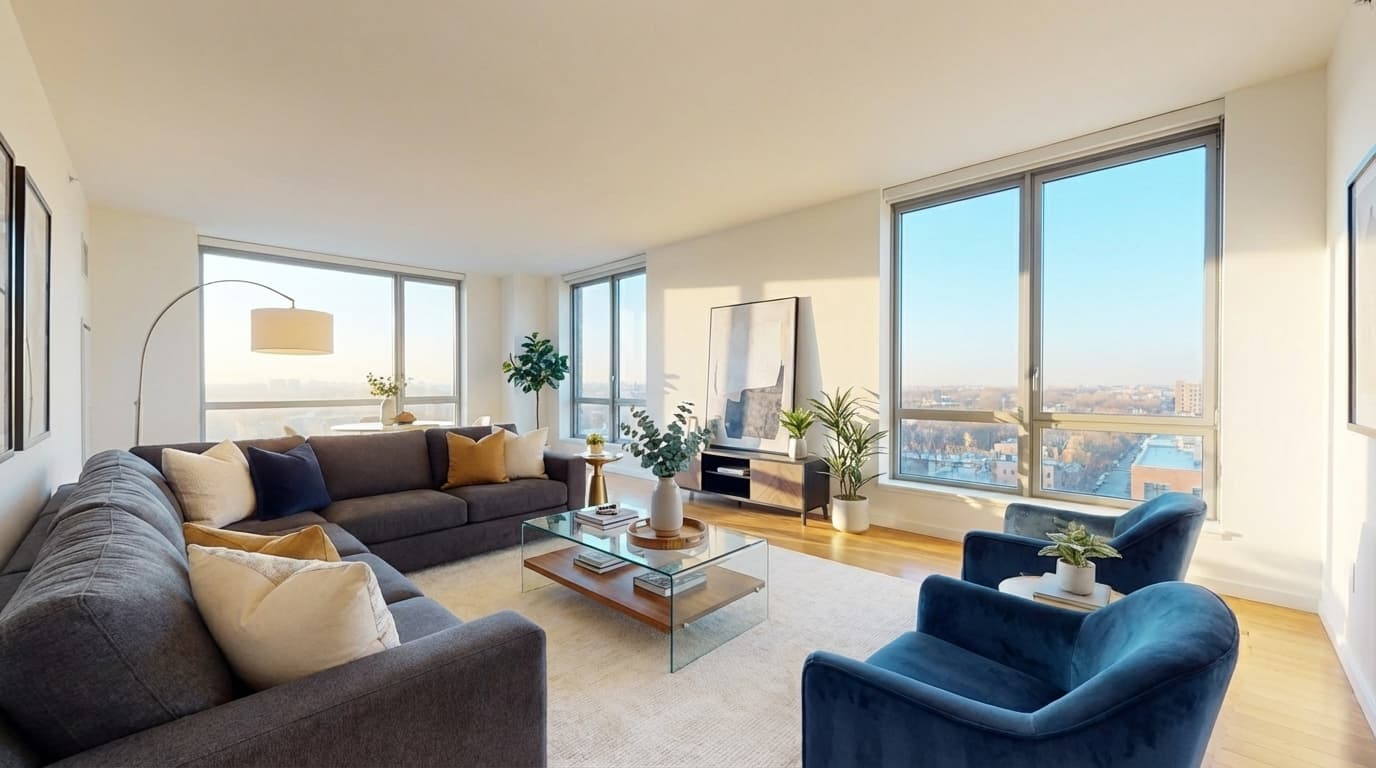
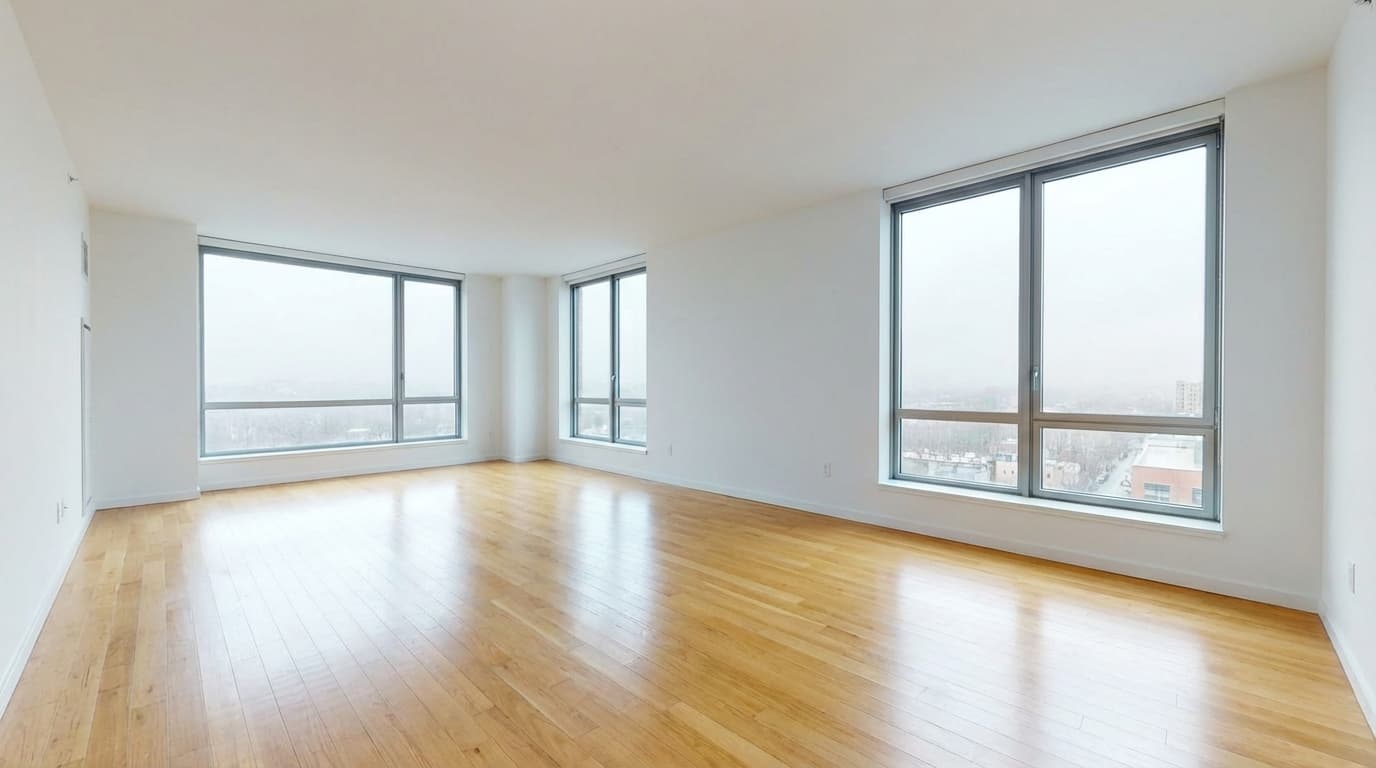
The most staged room in real estate. A well-staged living room helps buyers imagine hosting, relaxing, and living in the space. ListingScene adds sofas, coffee tables, rugs, accent chairs, wall art, and plants — all positioned naturally based on the room layout.
More living room examples

Bedroom
Empty bedrooms feel cold and hard to judge for size. Staged bedrooms with a properly sized bed, nightstands, lamps, and bedding instantly communicate comfort and livability. Buyers can see whether their furniture will fit.
More bedroom examples

Kitchen
Kitchens sell homes. Staging adds counter accessories, bar stools, pendant lights, and table settings that bring the kitchen to life without making it look cluttered. The focus stays on countertop space and layout.
More kitchen examples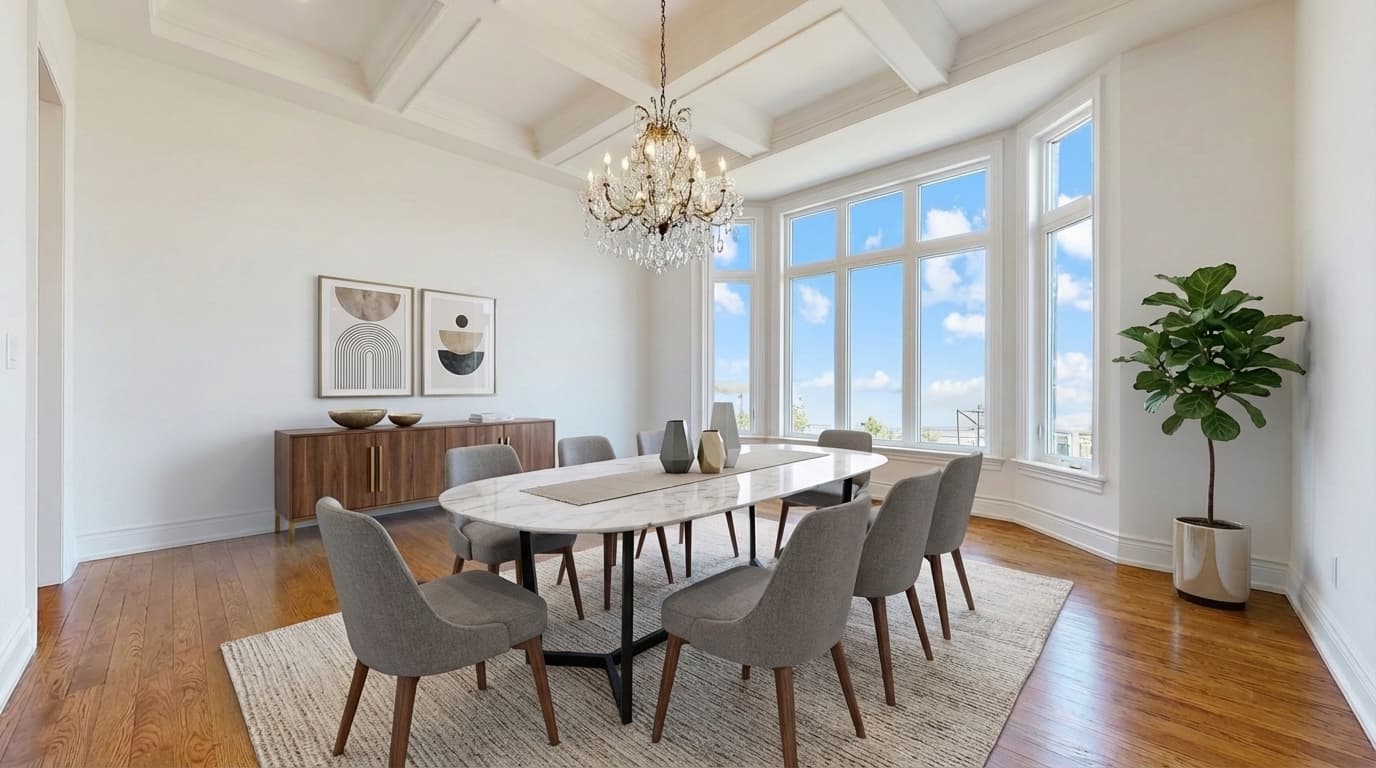
Dining Room
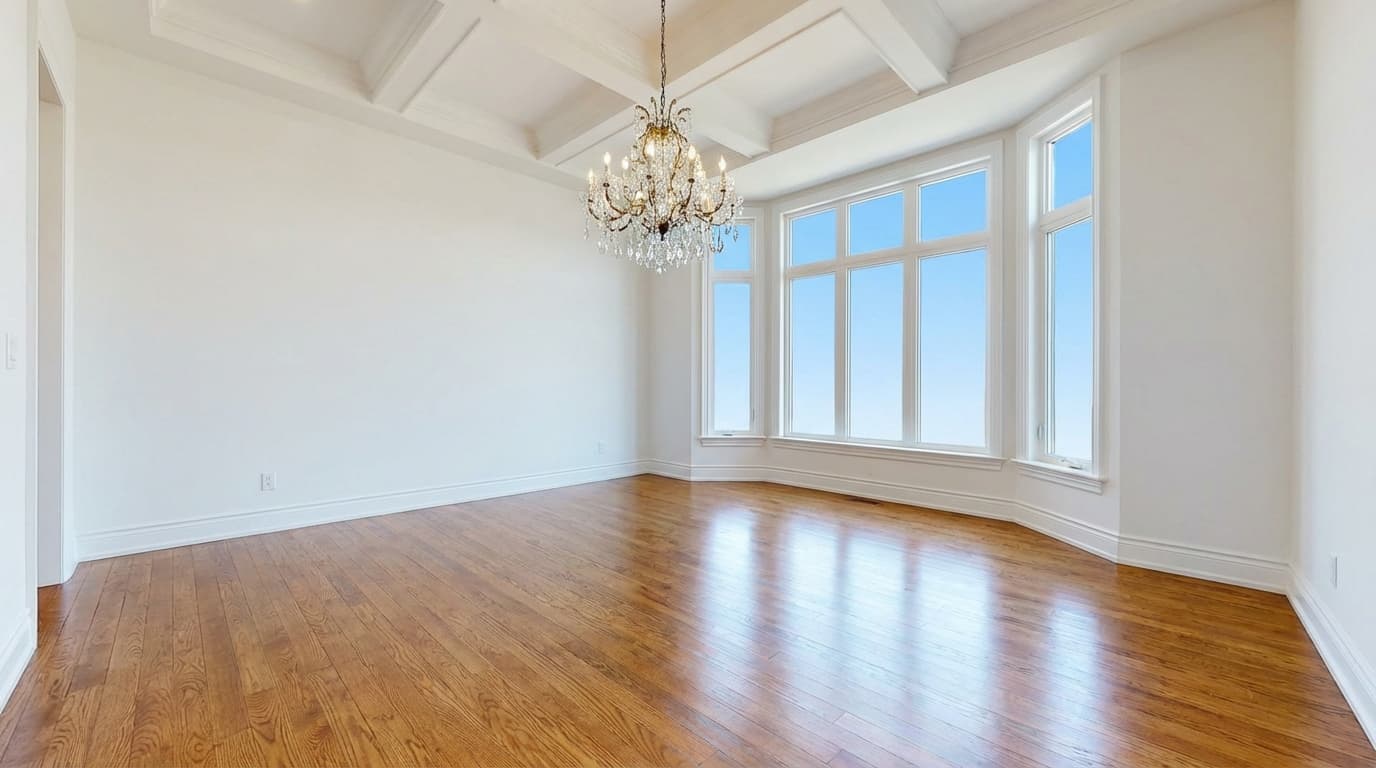
An empty dining area is the hardest room for buyers to visualize. Staging adds a properly sized dining table, chairs, centerpiece, and lighting that shows the room can host family dinners and entertaining.
More dining room examples

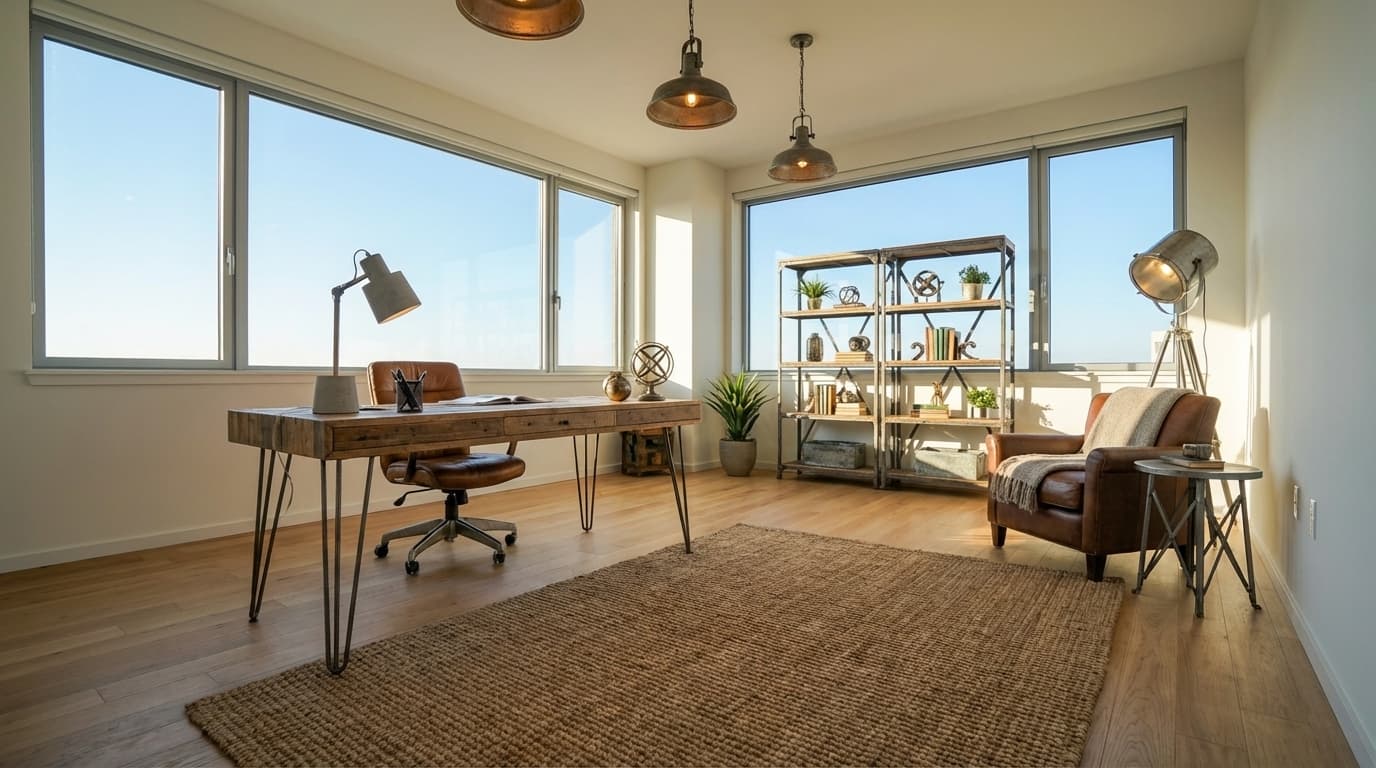
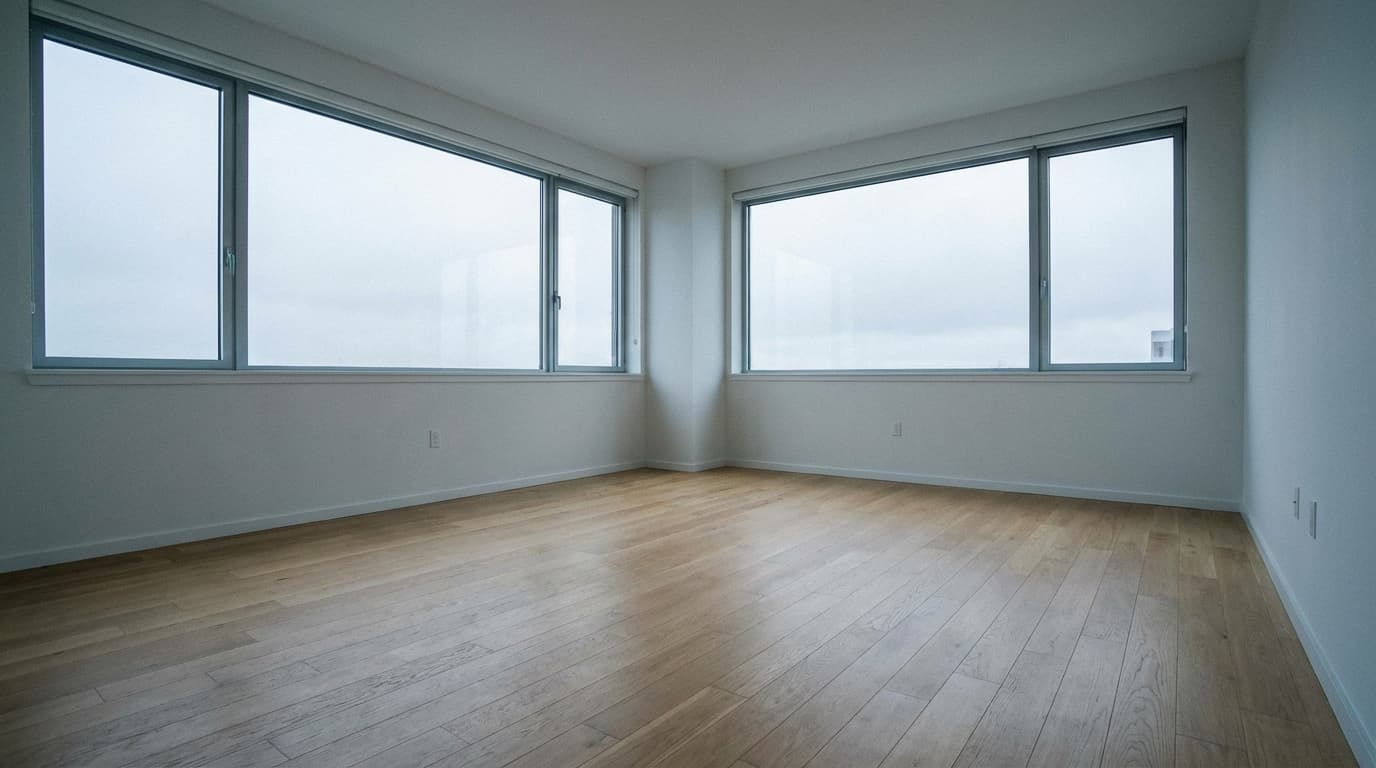
Home Office
With remote work here to stay, a staged home office is a major selling point. ListingScene adds desks, ergonomic chairs, shelving, and tech accessories that show buyers the room works for productivity.
More home office examples

Commercial Office
Virtual staging works for commercial properties too. Stage empty office spaces, retail stores, restaurants, and co-working spaces to help tenants visualize the space. Show move-in-ready potential without the cost of physical staging.
10+ Furniture Styles
Match the staging to the property and its target buyer. A downtown loft gets modern or industrial. A suburban family home gets farmhouse or transitional.




Keep or Replace Existing Furniture
Not every room is completely empty. ListingScene handles both scenarios.
Keep Existing
Add complementary pieces around furniture already in the room — a rug under an existing sofa, lamps next to a bed, art above a dining table. Check that existing items remain in the correct positions.
Replace All
Remove outdated or unappealing furniture and replace it entirely with a new coordinated set. Ideal for rooms with old, mismatched, or damaged furnishings that hurt listing appeal.
Virtual Staging Pricing
| Method | Cost Per Room | Turnaround |
|---|---|---|
| Physical staging | $2,000-5,000/home | 1-3 days |
| BoxBrownie | $24/image | 24-48 hours |
| VirtualStagingAI | $0.28-2.67/image | ~15 seconds |
| ListingScene | Included in Pro* | 10 seconds |
*Pro is $8.99/month for up to 100 edits per day. Average cost per edit depends on actual usage during the billing period. Use our savings calculator →
MLS Disclosure & Compliance
Virtual staging compliance varies by state and MLS. Here's what you need to know:
Before Publishing
- Check current rules from your MLS, brokerage, and publishing platform
- Use the disclosure format required for your edit and destination
- Keep originals and provide access or paired images as required
- Never alter structural elements — walls, windows, room dimensions
- Ask your broker or legal adviser when requirements are unclear
California (AB 723)
Effective January 1, 2026, California Business and Professions Code section 10140.8 requires licensees using covered digitally altered property images in advertising to disclose the alteration and provide access to the original. See the DRE advisory and our disclosure guide for details.
Review Your ListingScene Results
- Compare walls, floors, windows, doors, and room proportions with the original
- Check furniture scale against actual room measurements
- Optional "Virtually Staged" watermark on every image
- Keep your own copy of the original and the approved result
- AI can introduce structural errors; reject misleading results
Why Agents Choose Virtual Staging
Virtual staging FAQ
How much does AI virtual staging cost?
On ListingScene each staged photo uses one edit. The free plan includes 3 edits a day and Pro is $8.99/month for 100 edits a day.
Is AI virtual staging allowed on the MLS?
Rules depend on the MLS, publishing platform, jurisdiction, and edit. California requires disclosure and access to originals for covered digitally altered property images from January 1, 2026. Review the result and current requirements; a watermark alone does not establish compliance.
Which rooms and styles can I stage?
Living rooms, bedrooms, kitchens, dining rooms, home offices, bathrooms, basements, patios, and commercial spaces, in modern, scandinavian, farmhouse, mid-century modern, industrial, coastal, luxury, minimalist, traditional, and contemporary styles.
Does virtual staging change the room itself?
Staging is intended to add furniture and decor, but AI can unintentionally change property details or scale. Check walls, floors, windows, doors, room proportions, and furniture against the original and actual measurements before publishing.
Can I stage a room that already has furniture?
Yes. Choose keep existing to add complementary pieces around what is there, or replace all to clear dated furniture and stage from scratch.
How long does AI virtual staging take?
About 10 seconds per photo. Multi-view staging keeps the same furniture set consistent across two to five angles of the same room.
Virtual staging by room
Virtual staging by style
Related Services
Stage Your First Room for Free
See the difference in 10 seconds. No credit card required.
Get Started Free