Virtual Staging for Dining Rooms
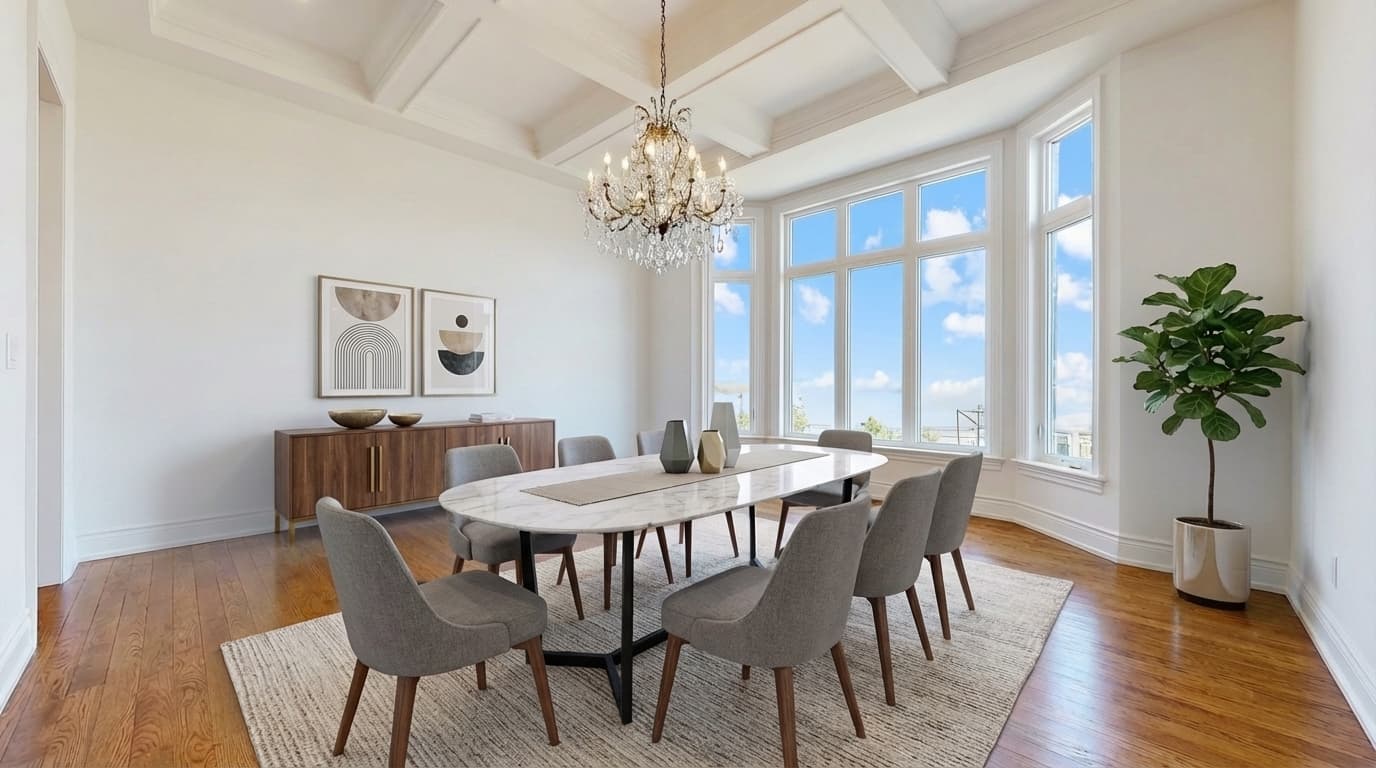
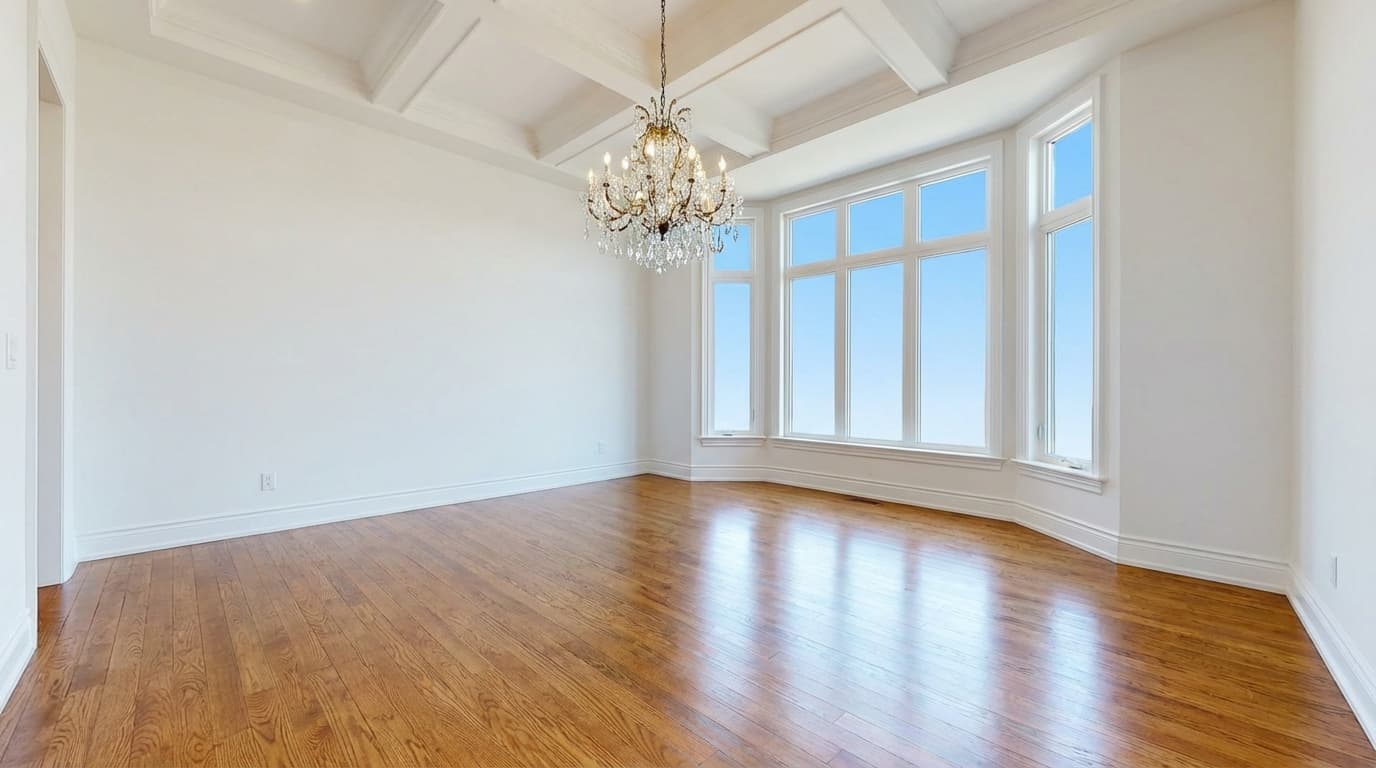
Dining room, modern style. Drag to compare.
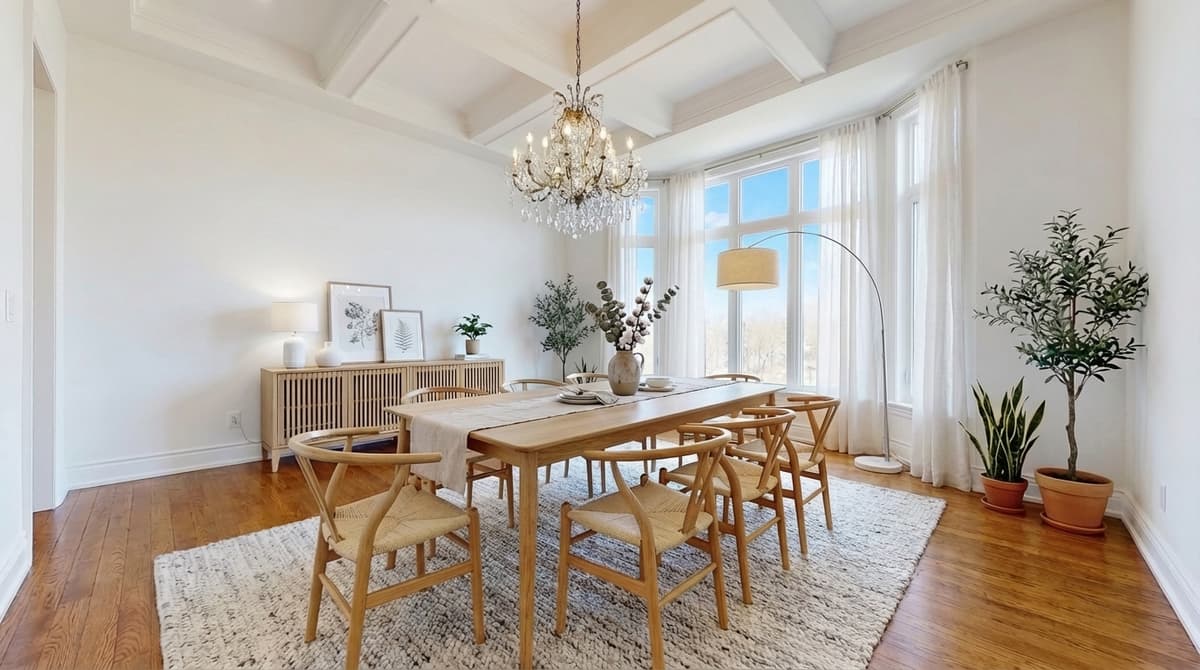
An empty dining room is the room buyers most often mistake for "just another space". A staged table with six chairs instantly shows that the room hosts family dinners, and shows how much walking room is left around it.
ListingScene sizes the table to the room, adds chairs, a centrepiece, and a light fixture where one is missing, and keeps the flooring and walls untouched.
3 free edits every day. No credit card required.
More dining room before and after examples
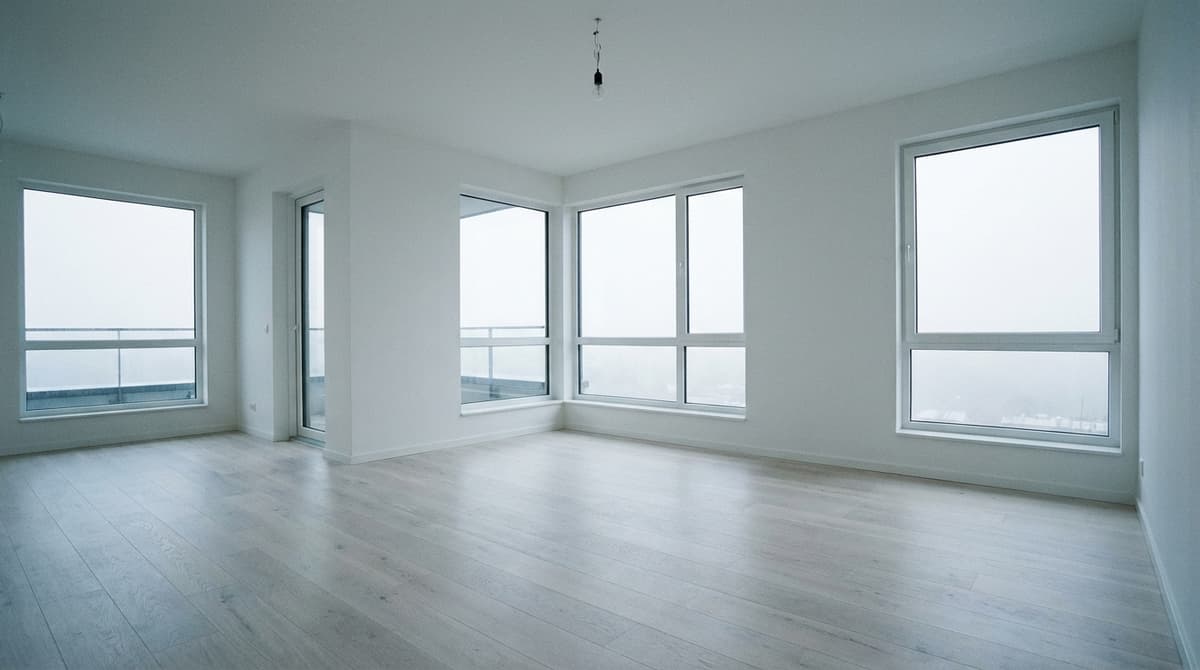 Before
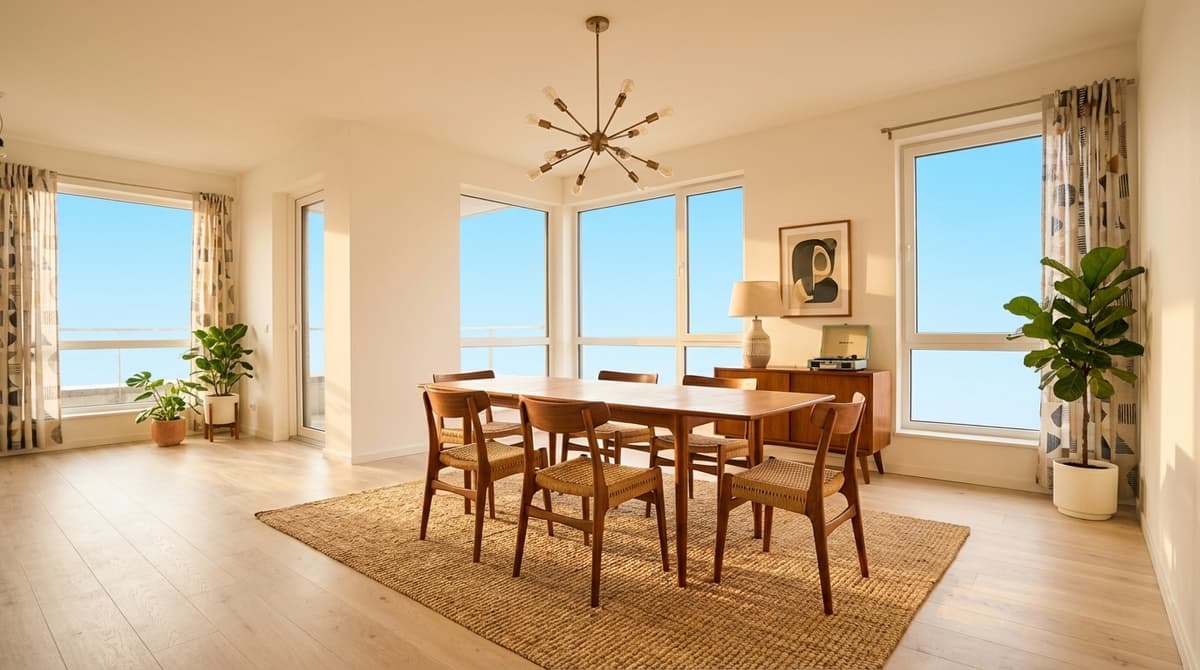 After
After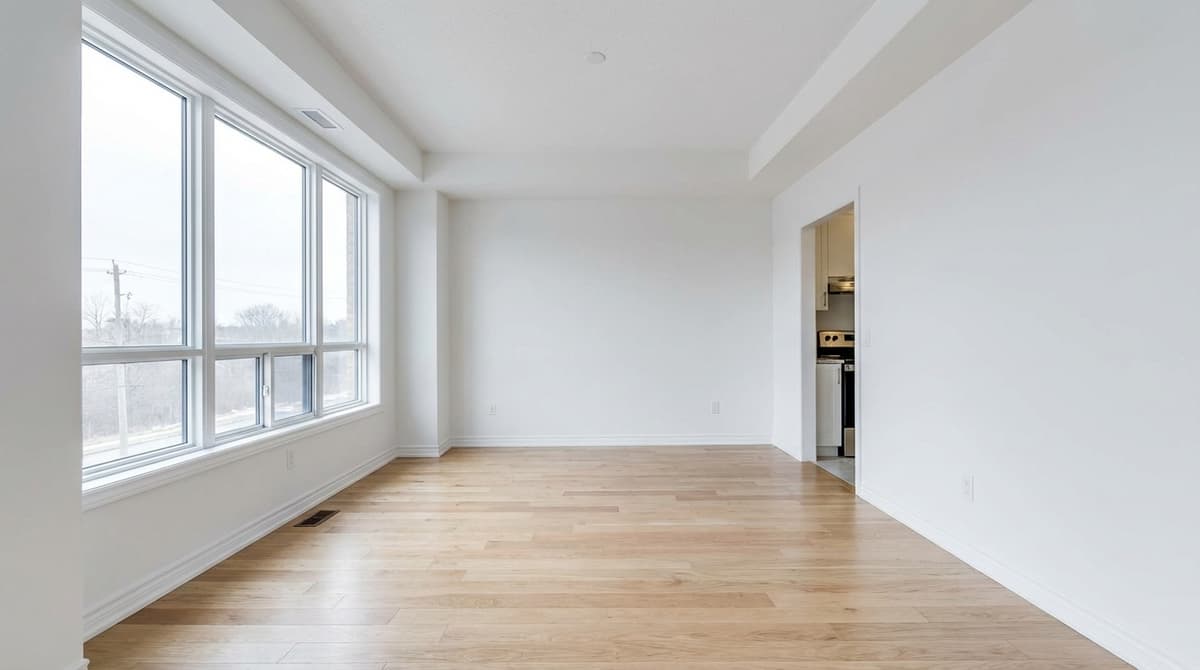 Before
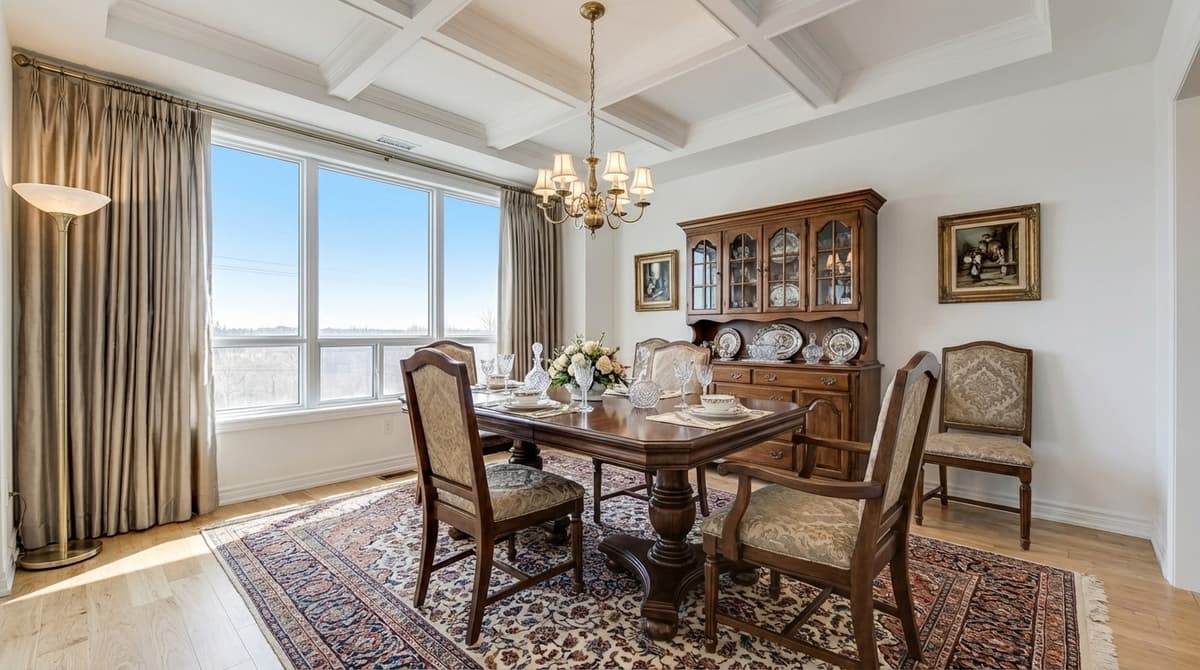 After
After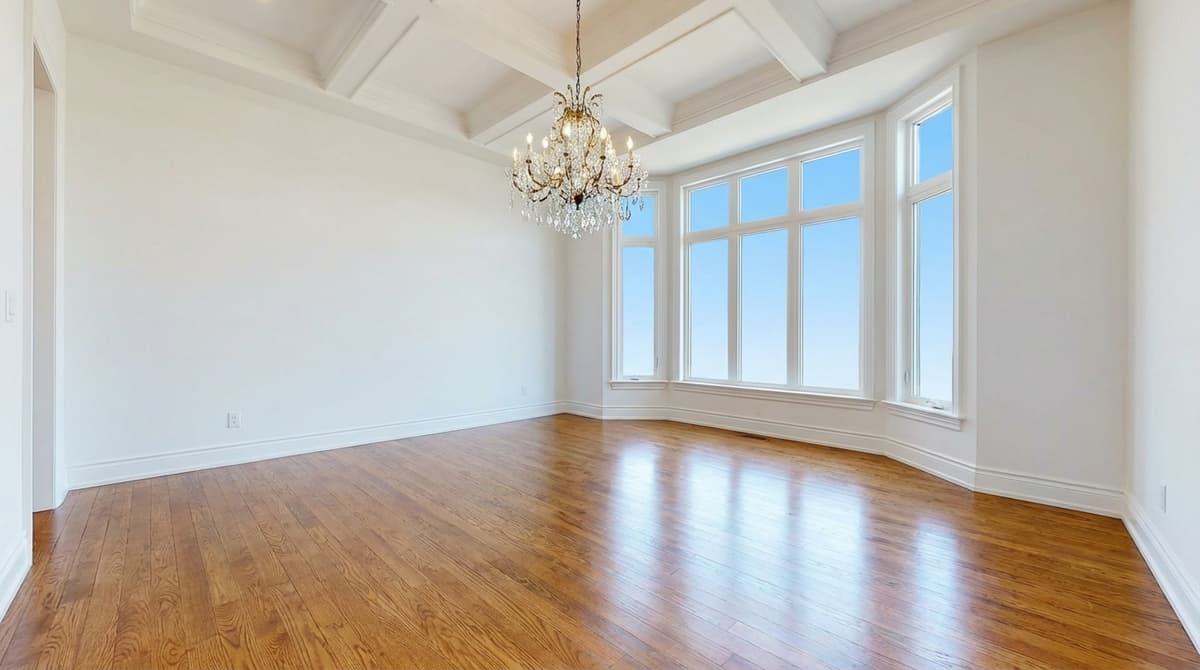 Before
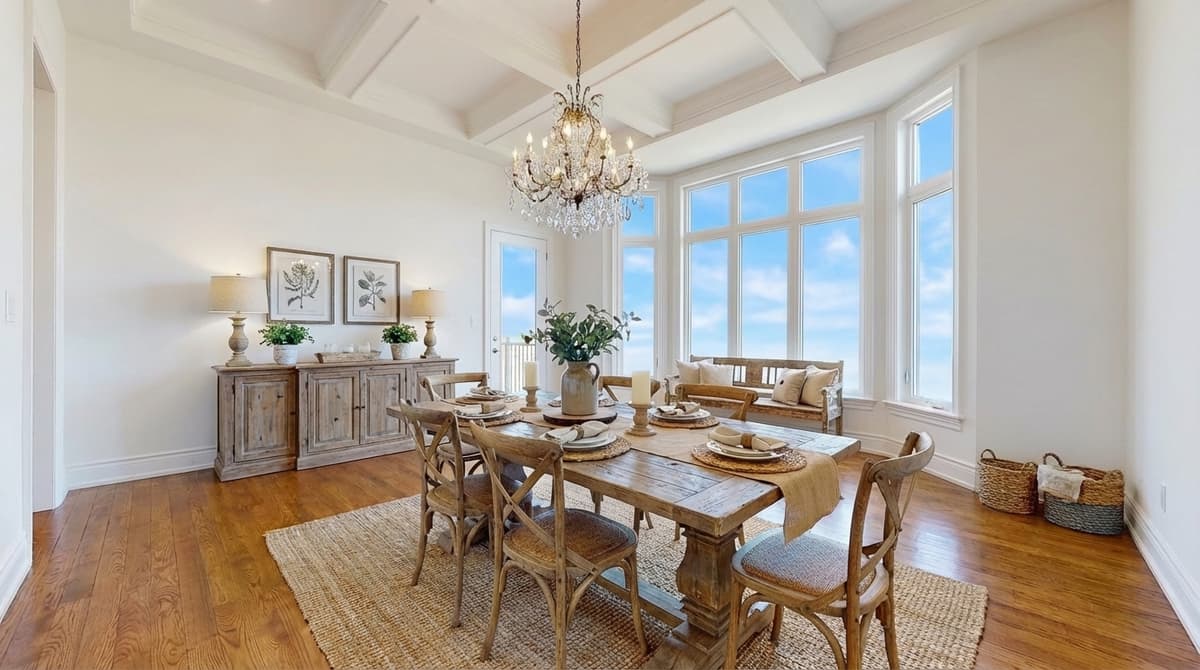 AfterBefore
 After
AfterTips for staging a dining room
Show the connection to the kitchen
Shoot from the angle that includes the kitchen opening so the staging shows how the two rooms work together.
Pick the table size honestly
ListingScene scales furniture to the real room. Do not ask for an eight-seat table in a room that fits four; buyers notice at the showing.
Formal or casual
Traditional staging suits period homes and formal dining rooms; mid-century or modern suits open-plan spaces.
How virtual staging works on ListingScene
Upload the photo
Any empty or partly furnished room, JPEG, PNG, or WebP up to 25 MB.
Pick room and style
Choose dining room and one of 10+ styles, and whether to keep or replace existing furniture.
Download in 10 seconds
Get a photorealistic PNG with the original kept alongside it, plus an optional "Virtually Staged" watermark.
Frequently asked questions
How much does virtual staging a dining room cost?
On ListingScene every staged photo uses one edit. The free plan includes 3 edits a day, and Pro is $8.99/month for 100 edits a day, which works out to about $0.09 per staged dining room at full use. Outsourced virtual staging typically costs $10 to $35 per photo and takes 24 to 48 hours.
Does the dining room have to be empty?
No. Choose "keep existing furniture" to add complementary pieces around what is already there, or "replace all" to clear dated or mismatched furniture and stage the dining room from scratch. Walls, floors, windows, and room dimensions are never changed either way.
Do I have to disclose that the dining room photo is virtually staged?
Most MLSs require disclosure, and California requires a conspicuous label plus the original photo. ListingScene can add a "Virtually Staged" watermark and always keeps the unedited original so you can publish both.
Stage your first dining room free
See the result in 10 seconds. No credit card required.
Get Started Free