March 28, 2026
Virtual Staging Examples: 10 Before & After Transformations
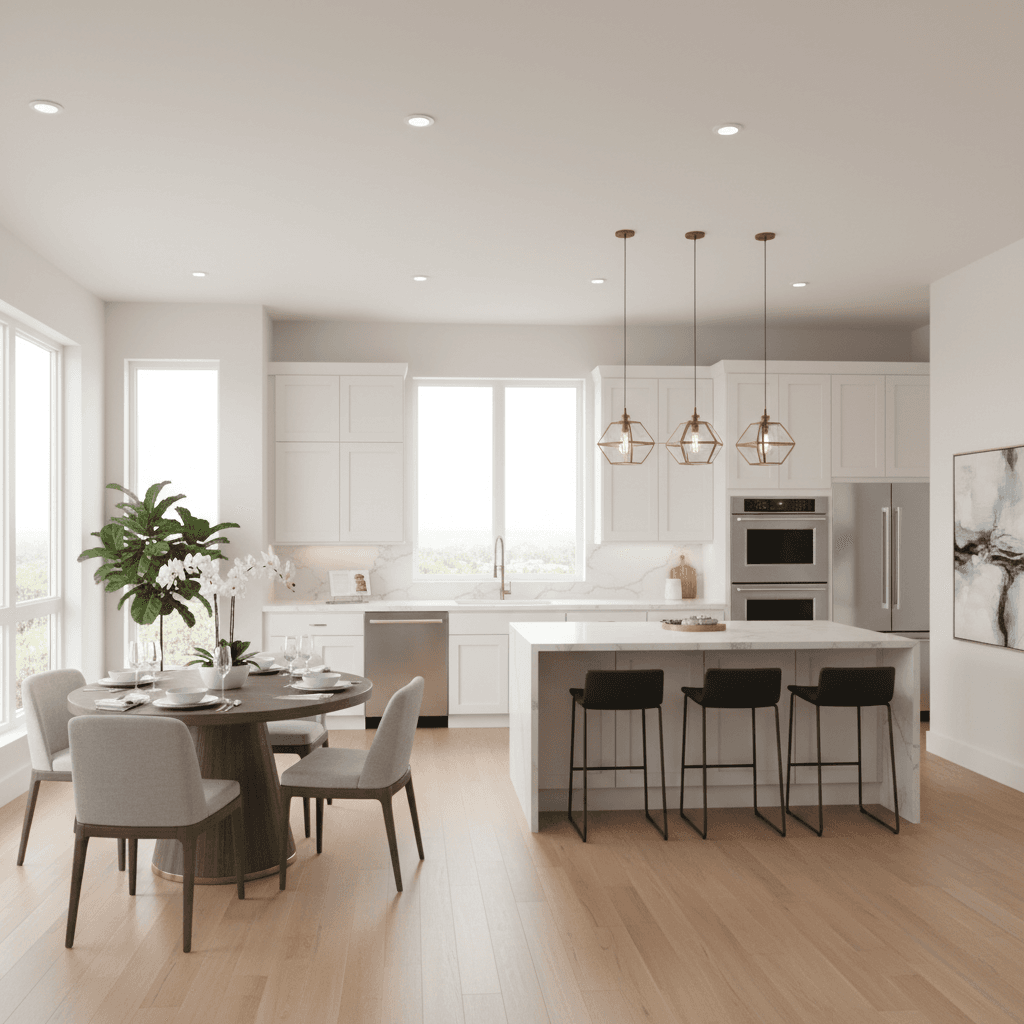
Nothing sells virtual staging like seeing the results. Below are 10 before-and-after examples organized by room type, showing how AI virtual staging transforms empty or outdated spaces into buyer-ready listings.
According to NAR research, 83% of buyers' agents say staging makes it easier for buyers to visualize a property as their home. Staged listings sell faster and often for more. These examples show what's possible with modern AI staging tools — at a fraction of the cost and time of traditional staging.
Living Rooms
The living room is the most important room to stage, with 37% of buyers ranking it as the space where staging matters most.
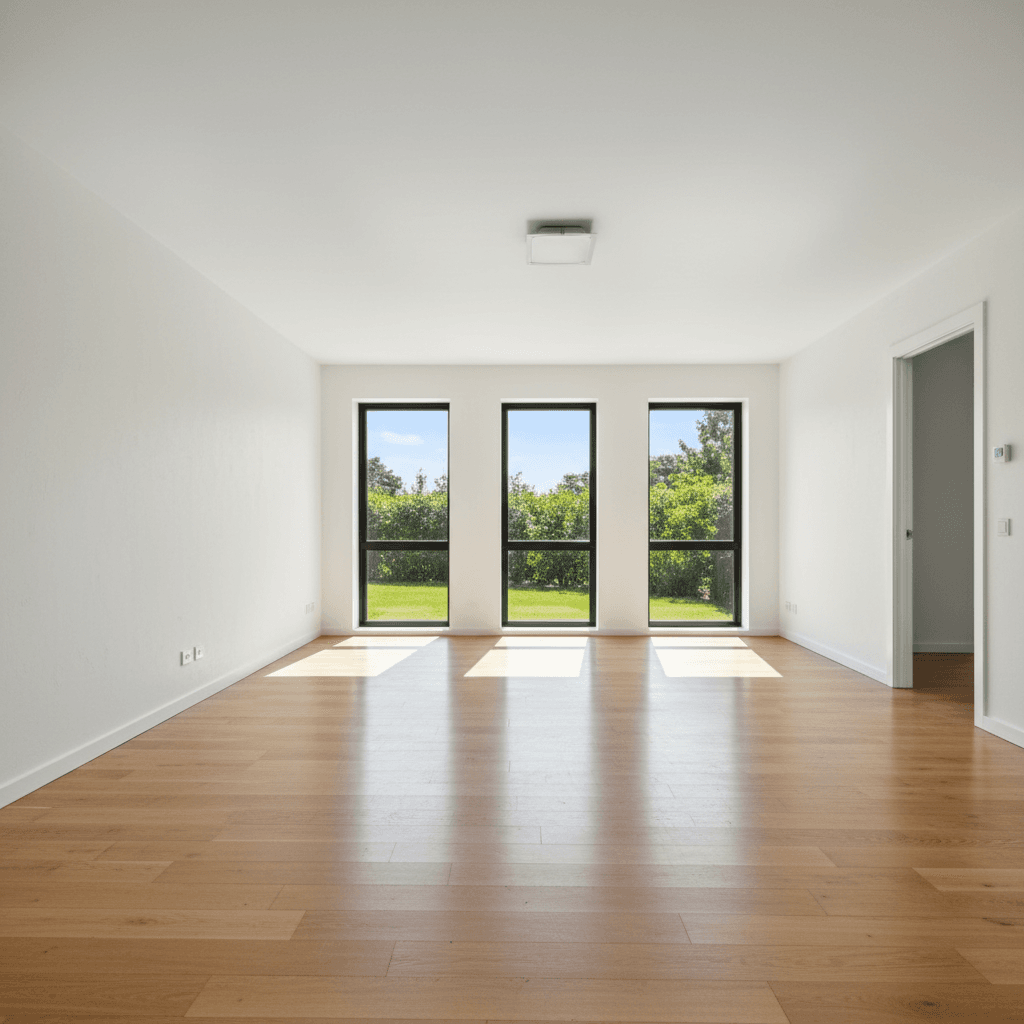 Before
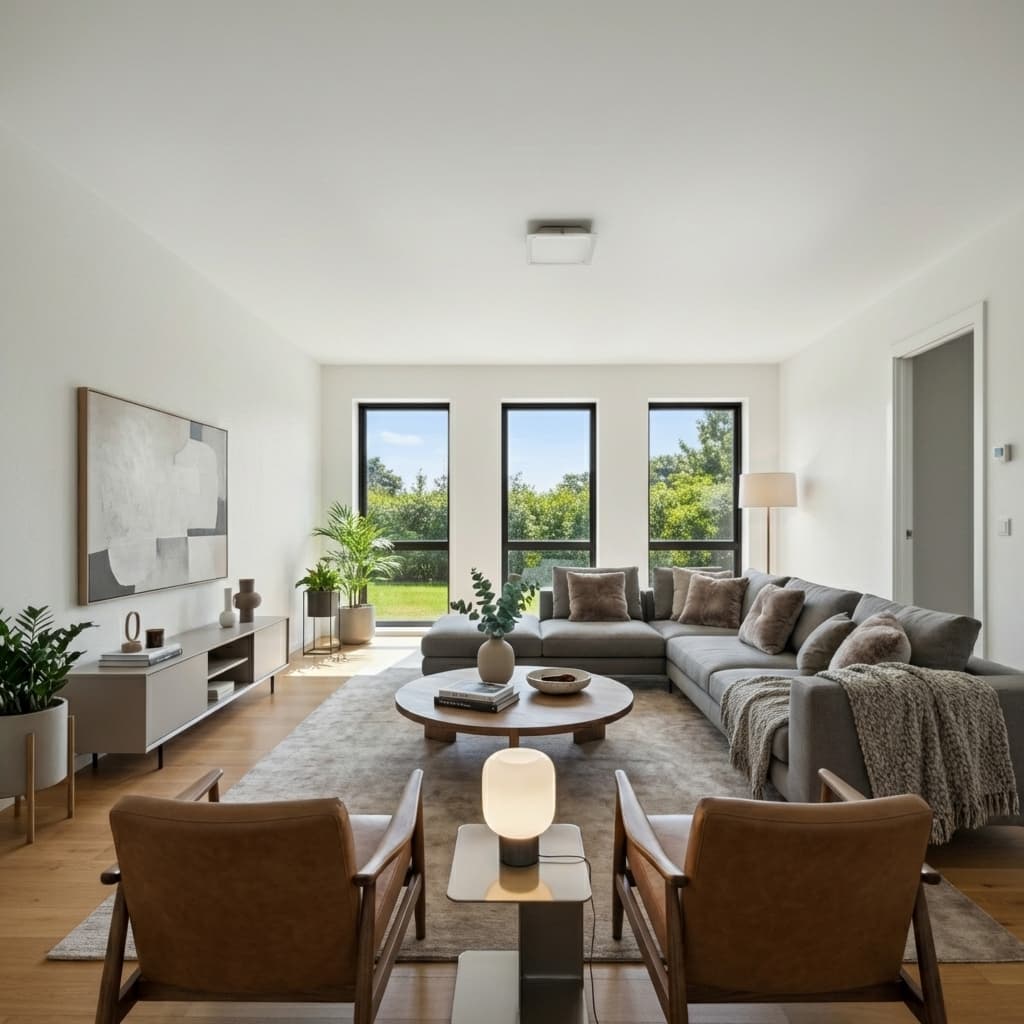 After
AfterModern staging. The sectional and warm textiles create an inviting conversation area that helps buyers picture hosting family and friends.
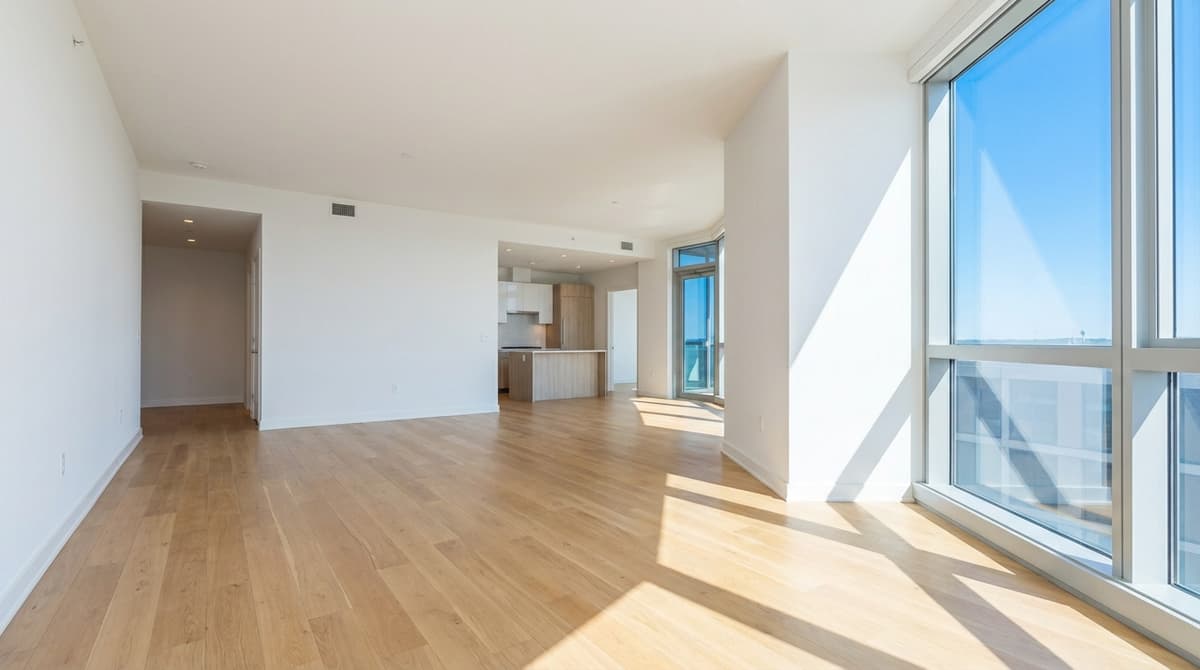 Before
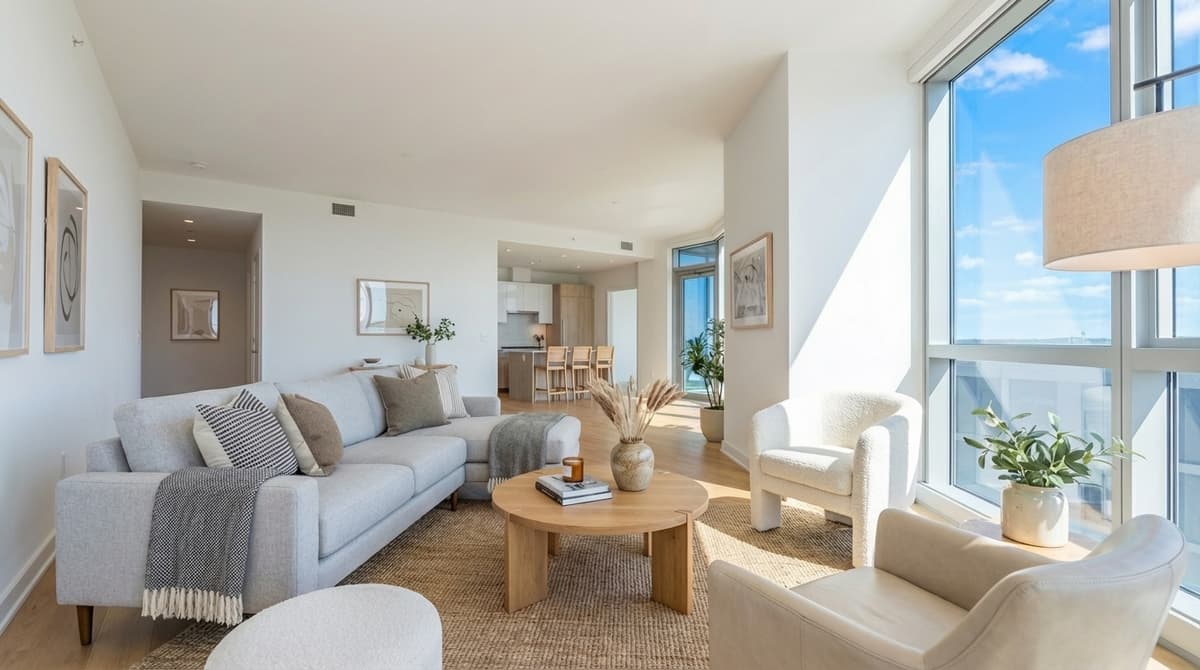 After
AfterScandinavian style staging. Light wood tones, clean lines, and minimal accessories create a fresh, universally appealing aesthetic that broadens buyer interest.
Before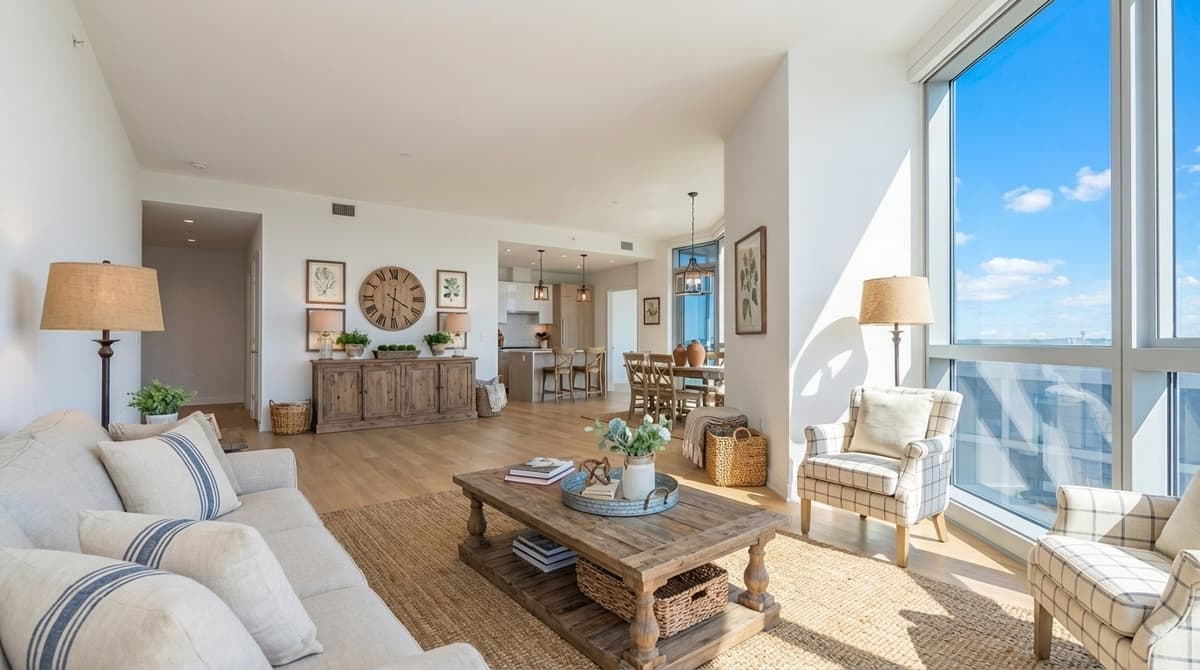 After
AfterModern farmhouse staging. The reclaimed wood accents and cozy textiles bring warmth and character, perfect for properties targeting family buyers.
Bedrooms
The primary bedroom is the second most impactful room to stage (34% of buyers). Staging helps buyers see the room as a retreat, not just empty square footage.
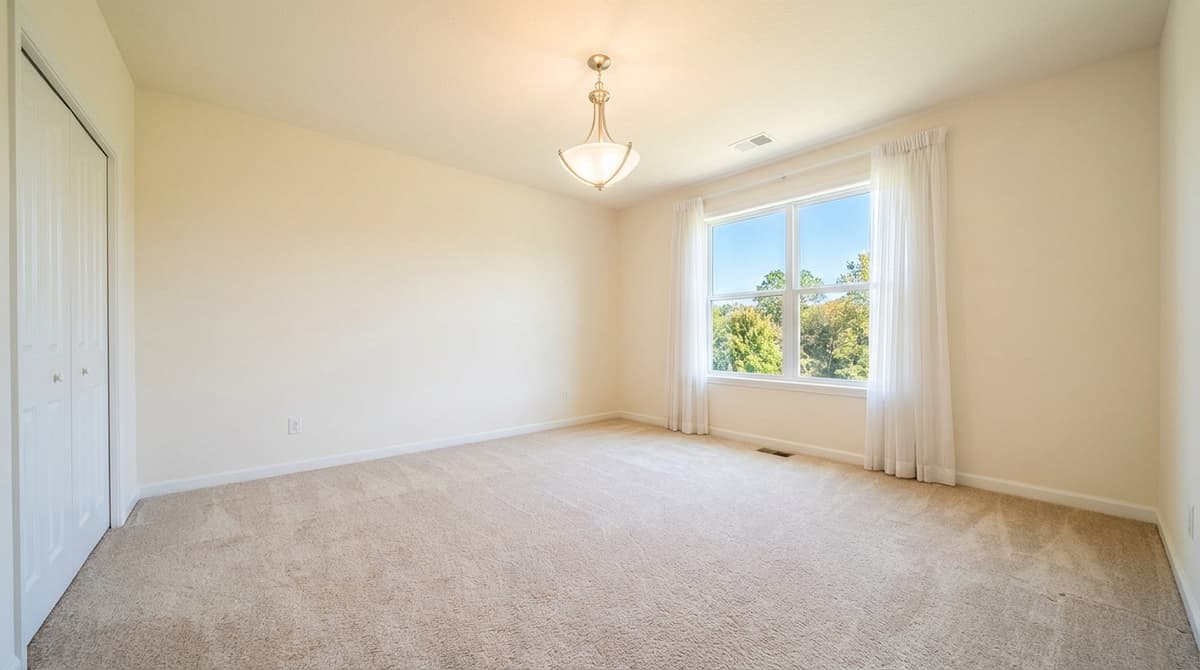 Before
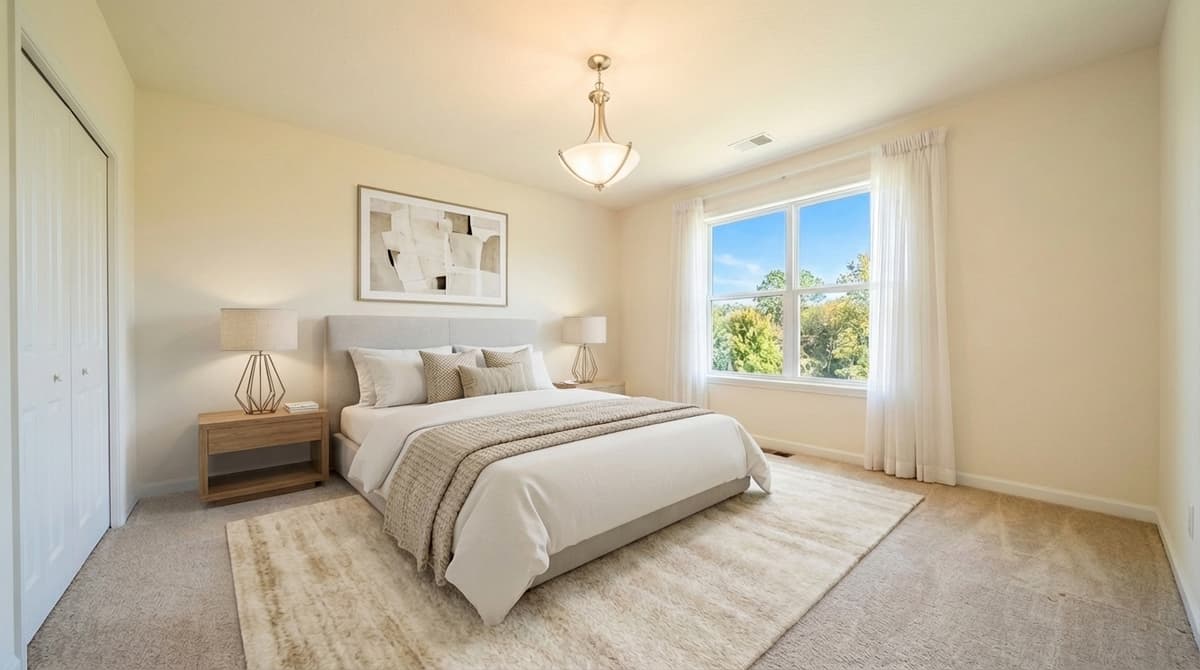 After
AfterModern master bedroom staging. The king bed establishes scale, and coordinated bedding creates a hotel-like feel that buyers respond to.
Before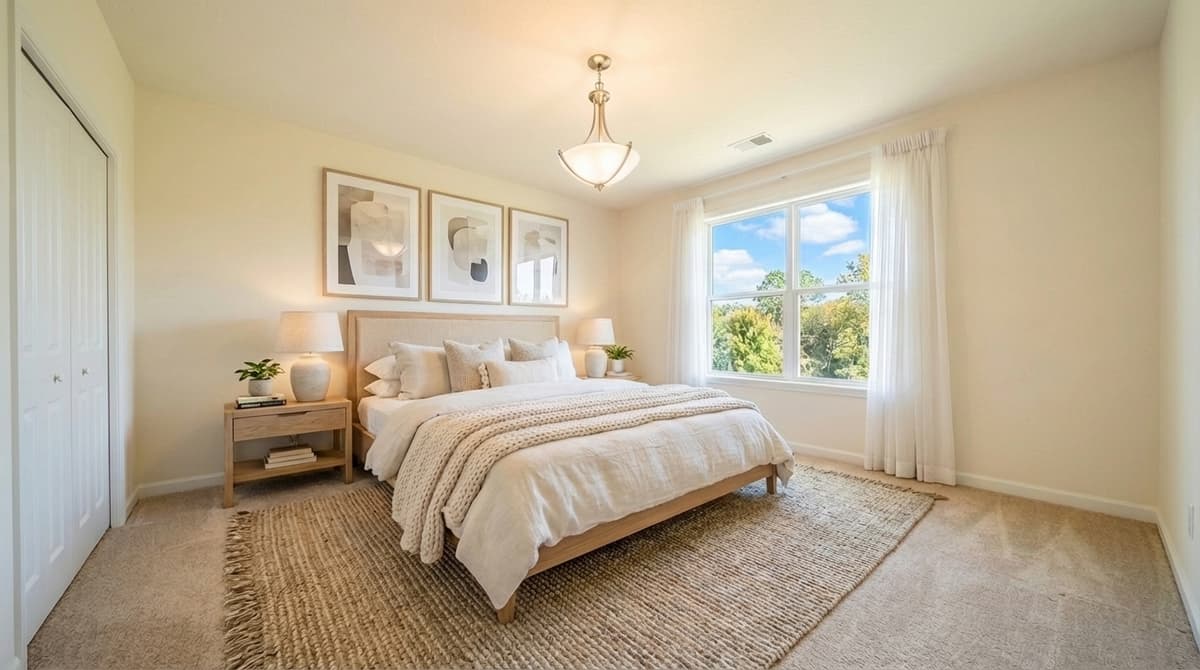 After
AfterScandinavian bedroom staging. Light wood tones, a neutral palette, and minimal accessories create a calming retreat that photographs beautifully.
Kitchens
Kitchens are the third most important room (23% of buyers). Virtual staging in kitchens focuses on styling countertops and adding warmth rather than adding major furniture.
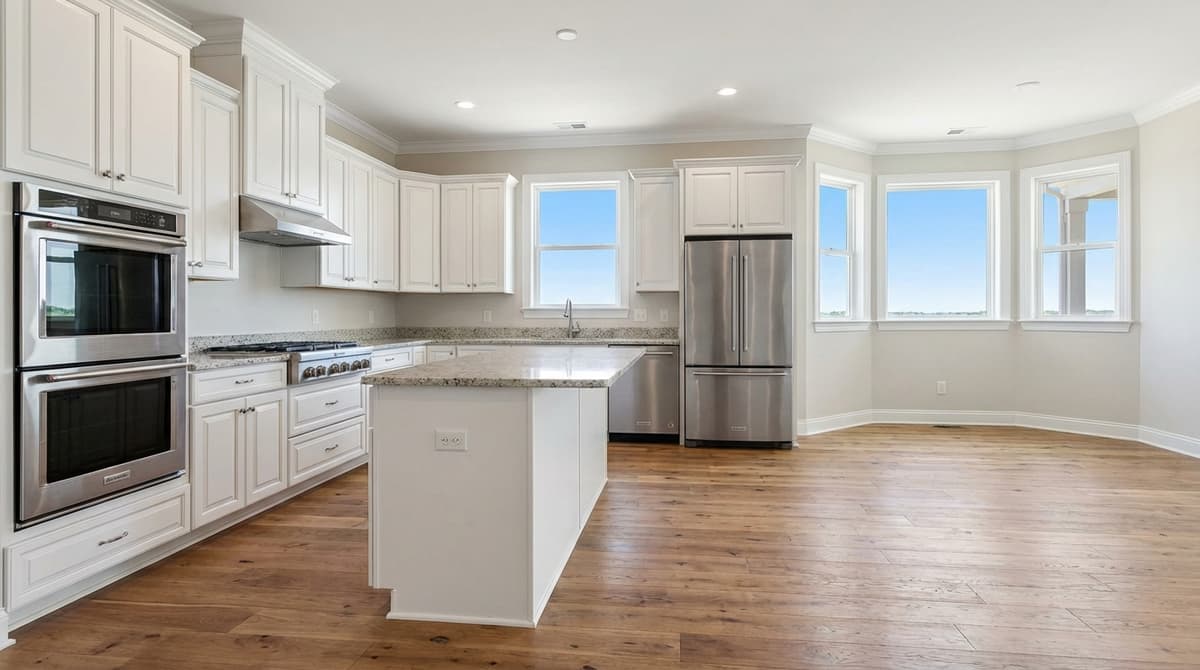 Before
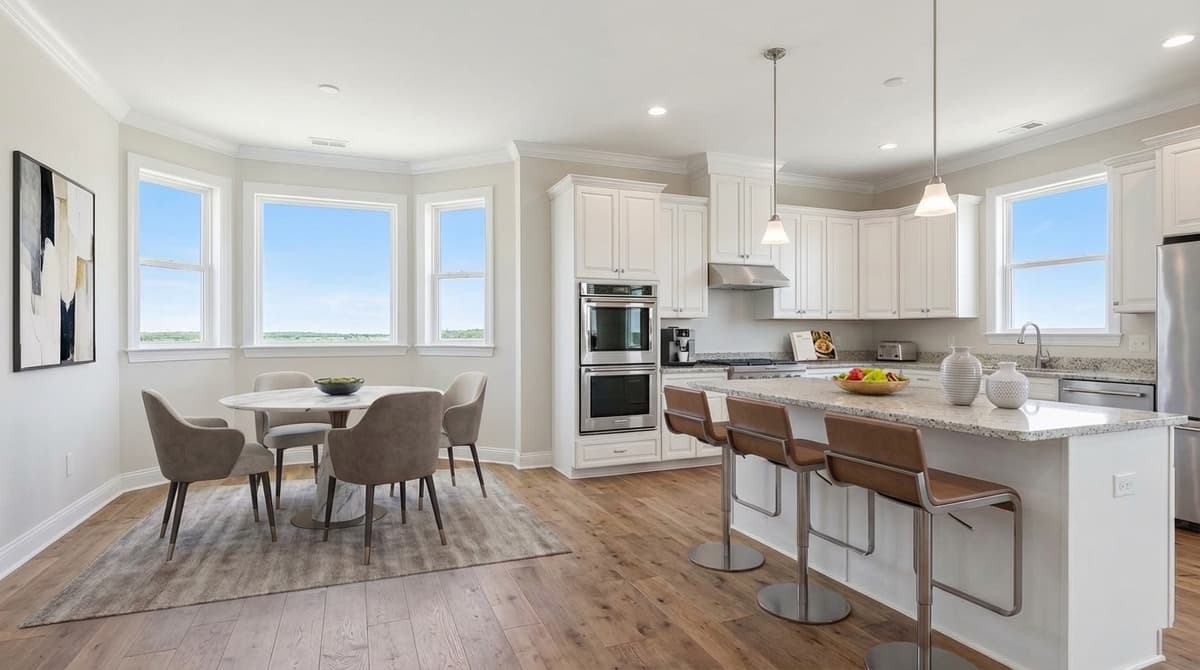 After
AfterModern kitchen staging adds life without clutter. Small props suggest the kitchen is functional and inviting for a buyer who loves to cook.
Before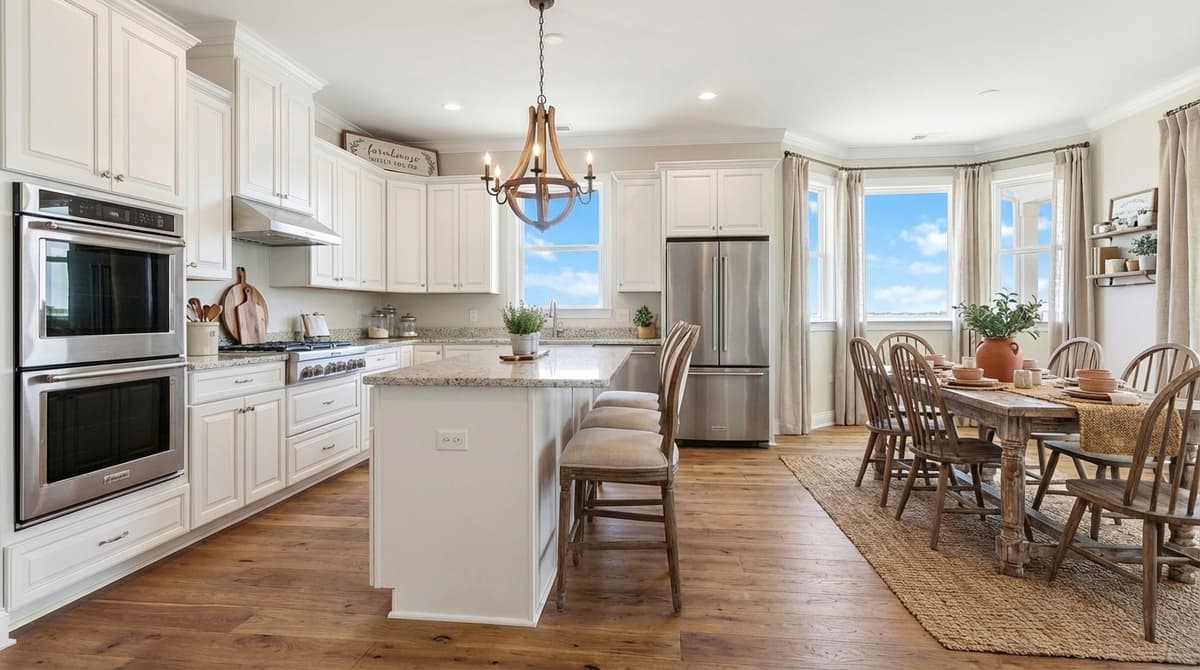 After
AfterFarmhouse kitchen styling. Warm wood accents and rustic accessories complement the space, appealing to buyers who value a cozy, lived-in kitchen aesthetic.
Dining Rooms
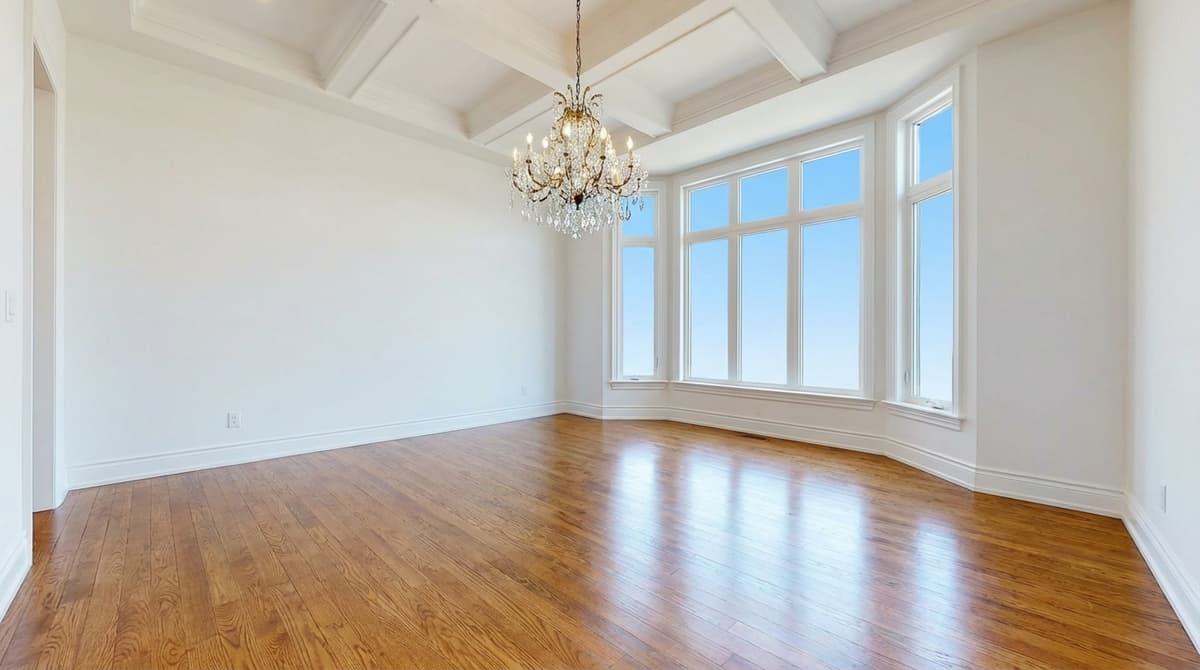 Before
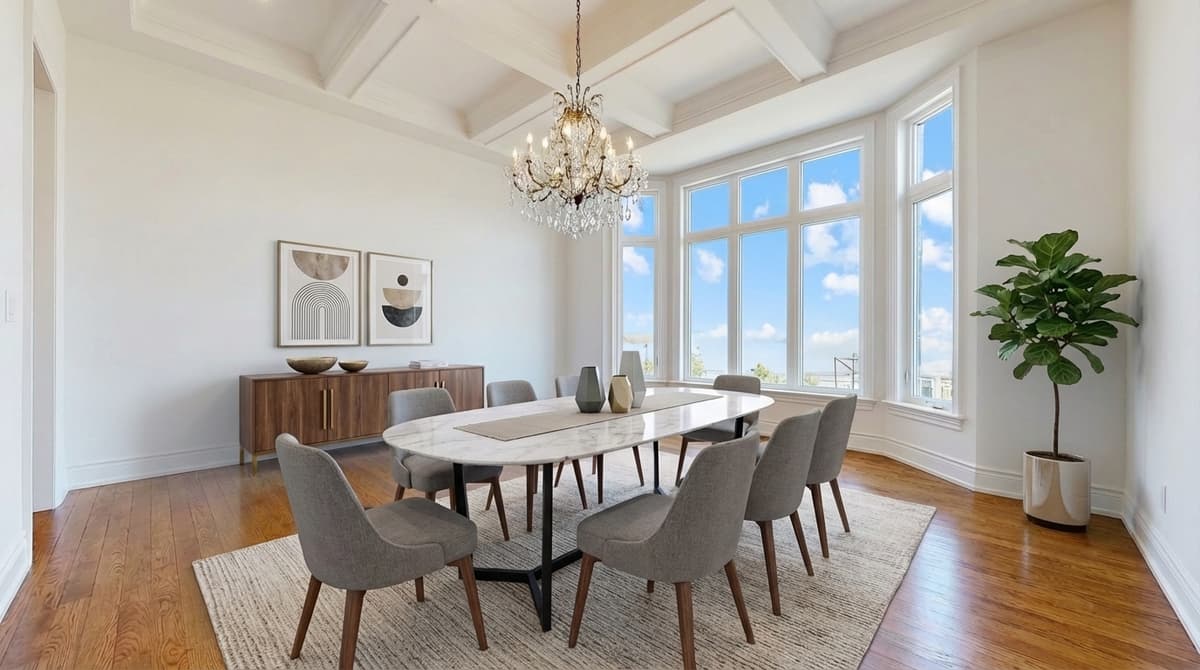 After
AfterModern dining staging that defines the space. The table and chairs establish scale while a styled centerpiece adds warmth, helping buyers picture entertaining.
Home Offices
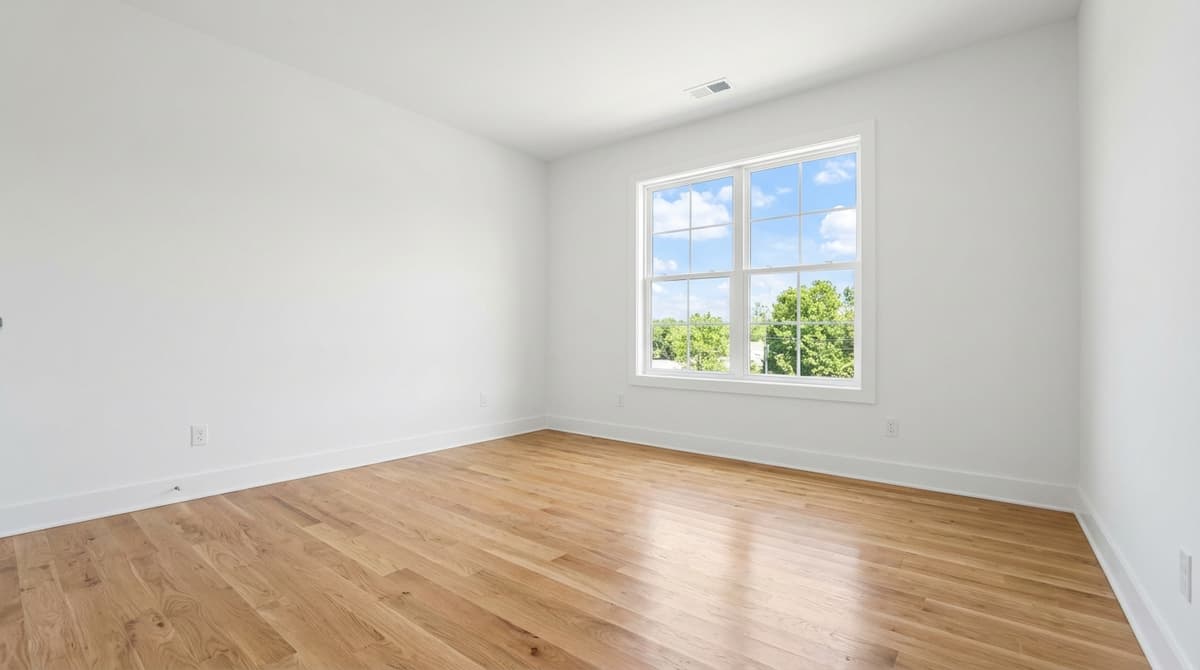 Before
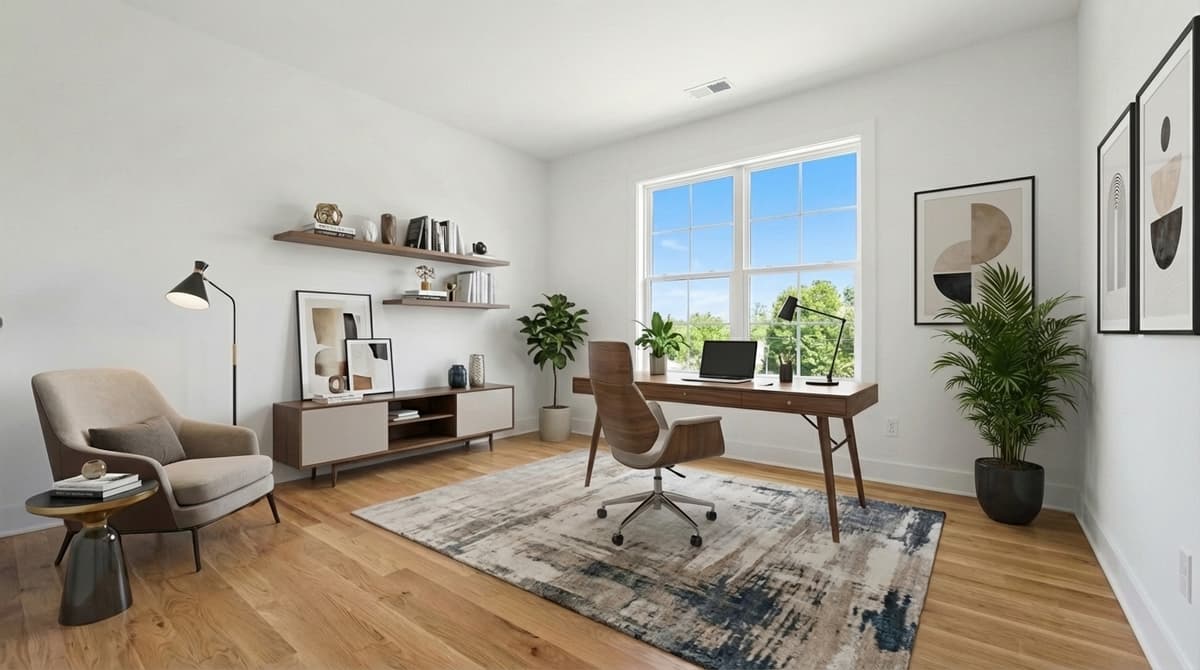 After
AfterModern home office staging. A clean desk, ergonomic chair, and minimal accessories transform spare rooms into desirable work-from-home spaces that appeal to remote workers.
Day to Dusk
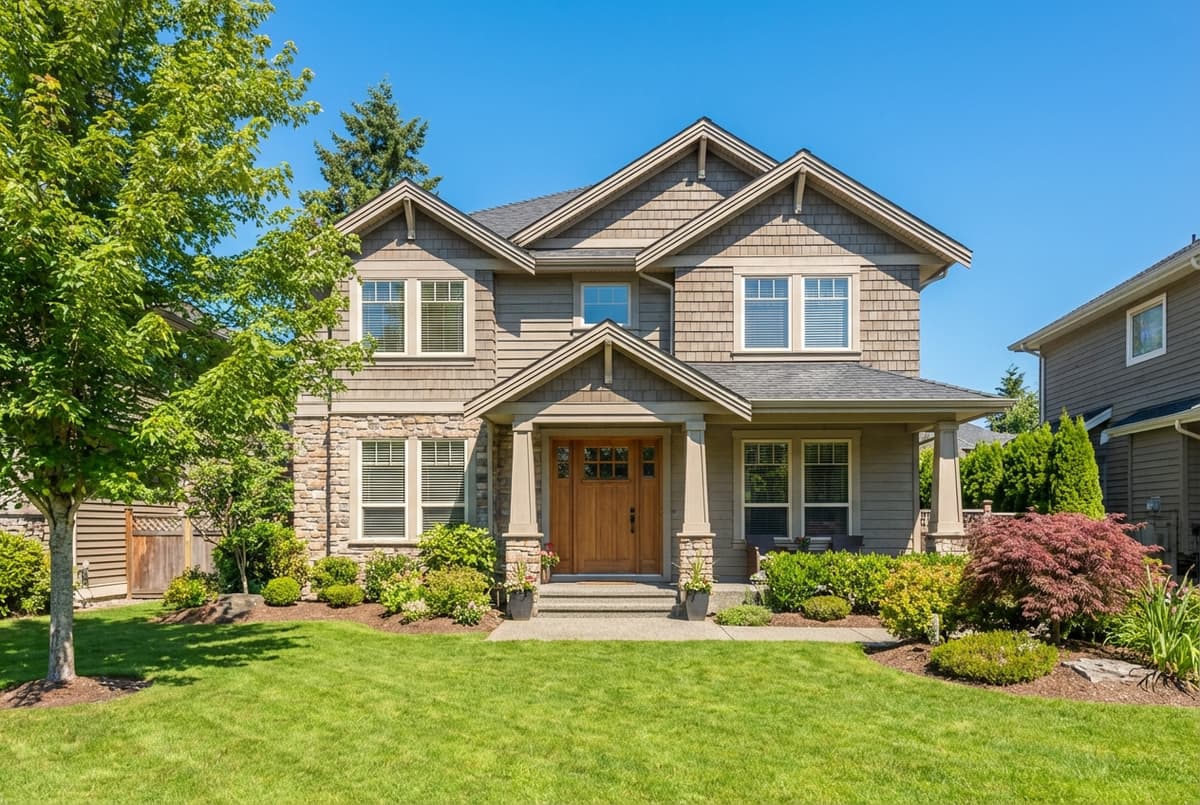 Before
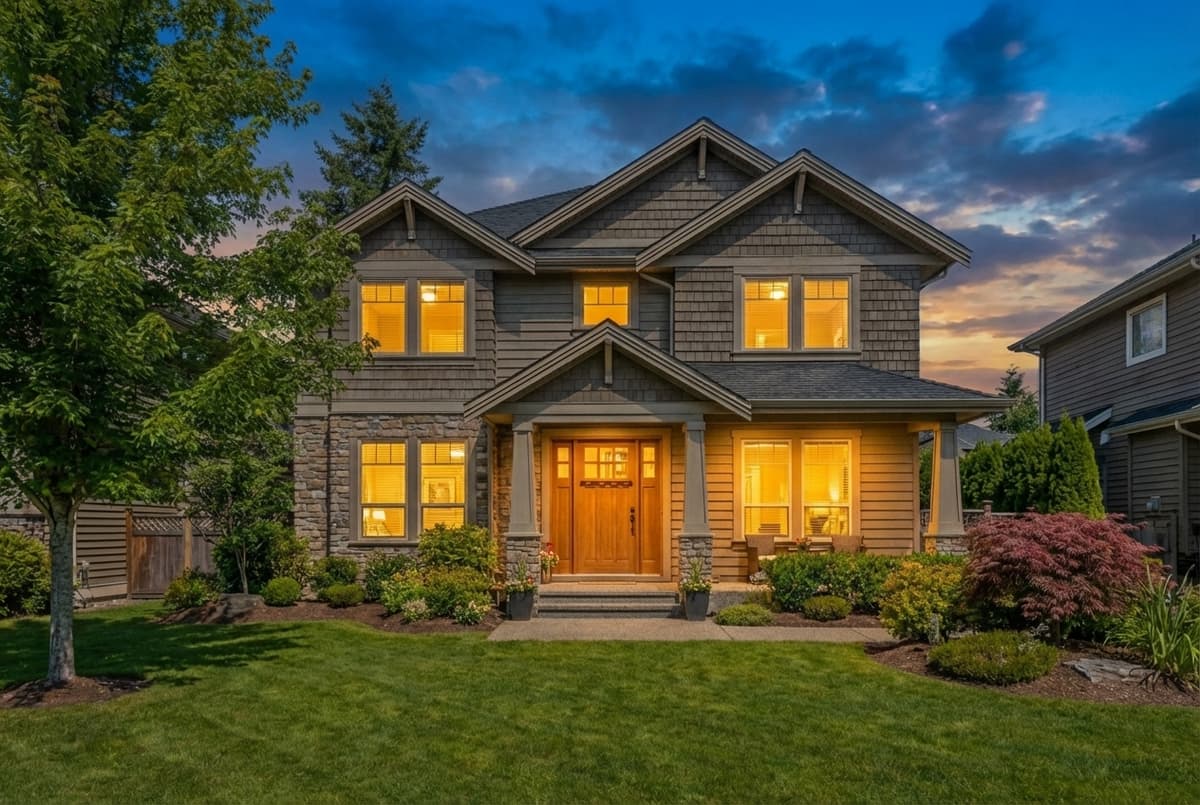 After
AfterDay-to-dusk transformation. This is one of the highest-impact edits in real estate photography, making any home look dramatically more appealing with warm interior lights and a sunset sky.
Tips for Getting the Best Virtual Staging Results
- Start with the best photo possible. Clean the room, open blinds, turn on lights, and shoot at the right angle before staging. Better input photos produce better staged output.
- Stage the most important rooms first. Living room, primary bedroom, and kitchen have the highest impact on buyers. If budget is limited, focus there.
- Match the style to the property. Modern furniture in a craftsman bungalow looks off. Choose staging styles that complement the home's architecture and target buyer demographic.
- Don't over-stage. Less is more. A few well-placed pieces beat a room packed with furniture. Leave enough open space for the room itself to be the star.
- Disclose virtual staging. Most MLS systems require disclosure that photos are virtually staged. Always label staged photos appropriately to maintain trust and comply with regulations.
- Combine staging with enhancement. Virtual staging works best when paired with photo enhancement (brightness, color correction) and sky replacement for exterior shots. Tools like ListingScene handle both in one workflow.
Create Your Own Before & After
Every example above represents the kind of transformation you can achieve in seconds with AI virtual staging. No waiting for designers, no per-image fees eating into your commission.
Try ListingScene free — upload your own empty room photo and see the result in under 10 seconds. 3 free edits per day, no credit card required.
Related reading: Virtual Staging Cost Guide · Best Virtual Staging Companies · What Is Virtual Staging? · BoxBrownie Alternative