Virtual Staging for Living Rooms
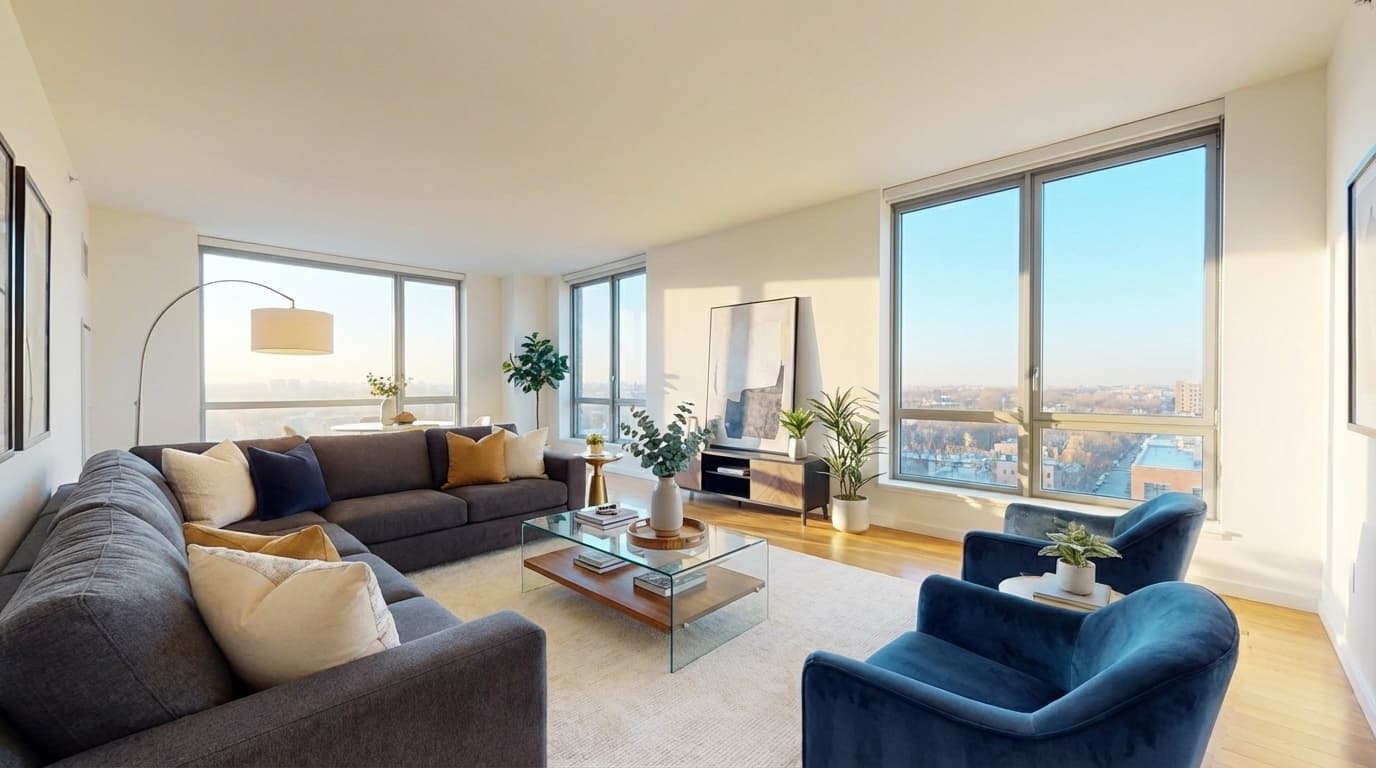
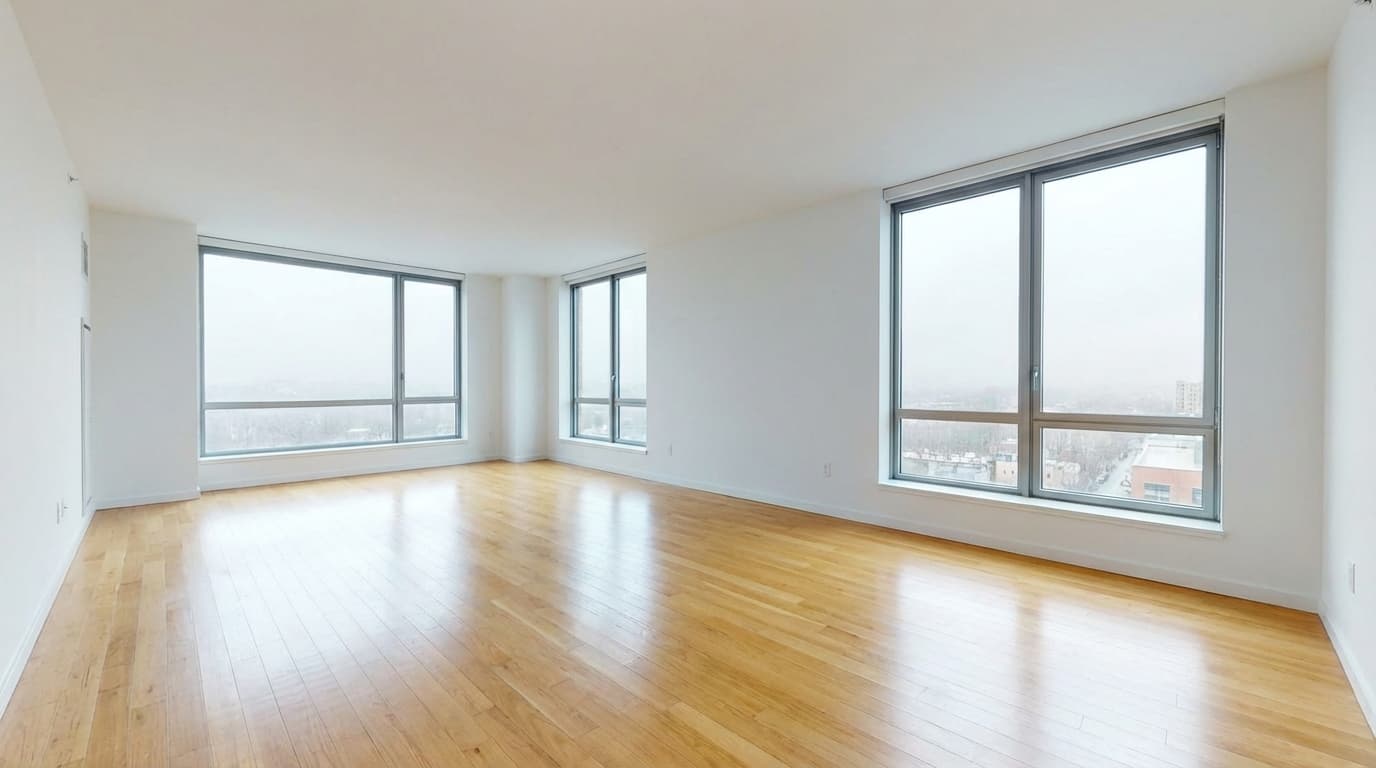
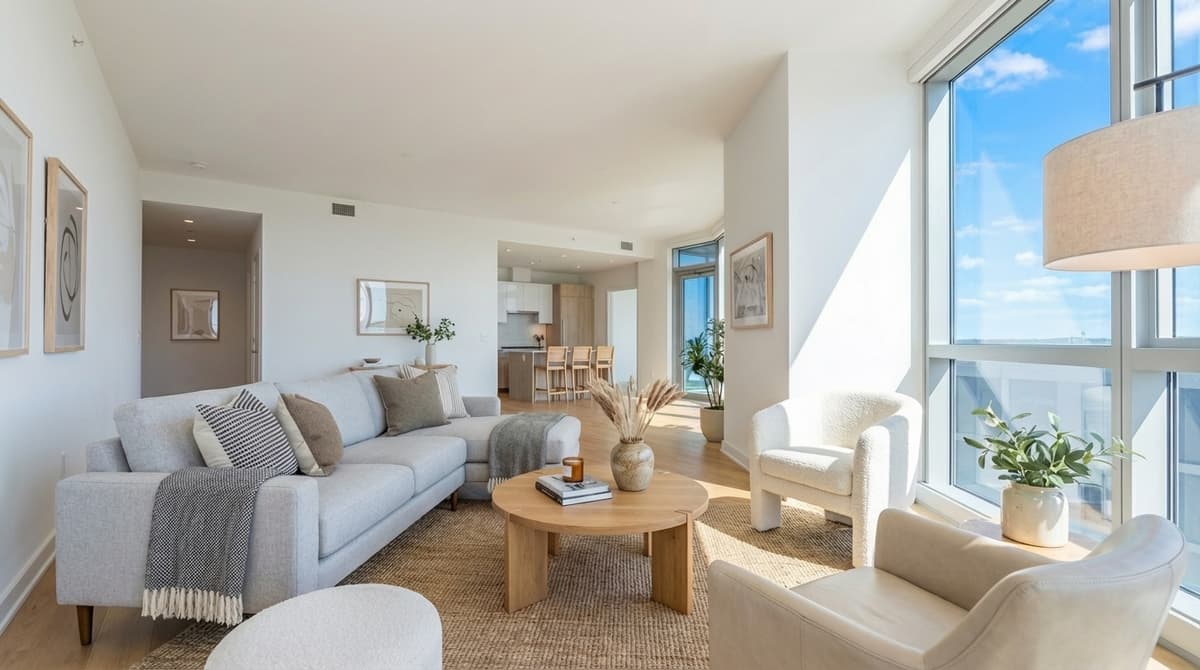
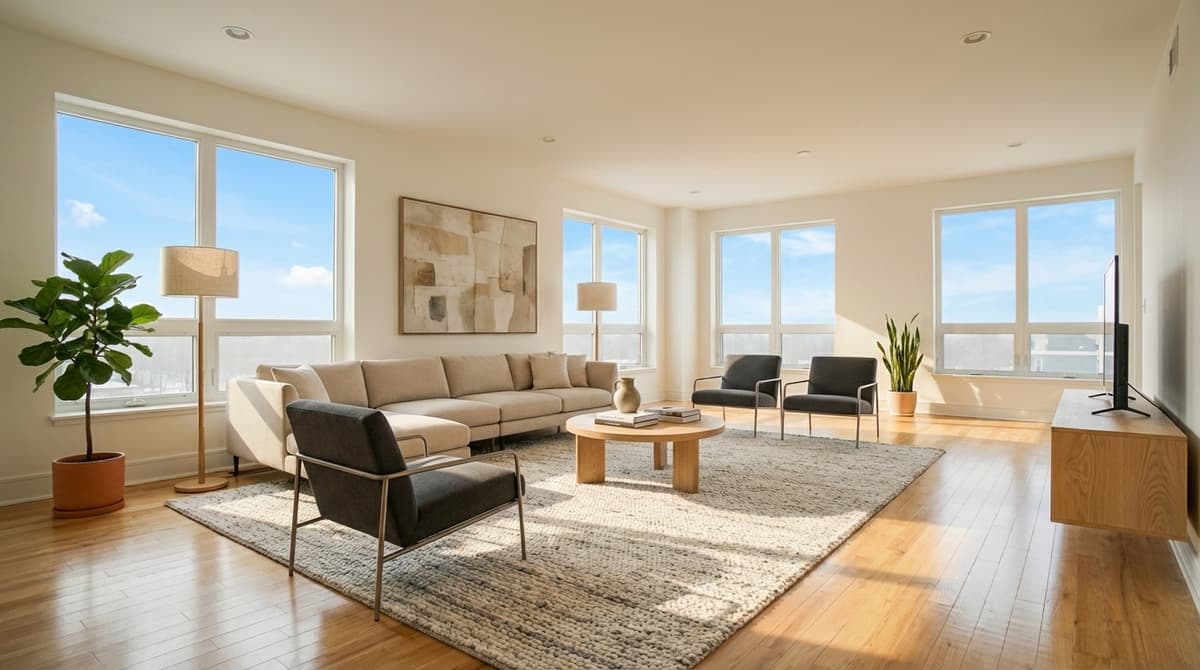
Living room, modern style. Drag to compare.
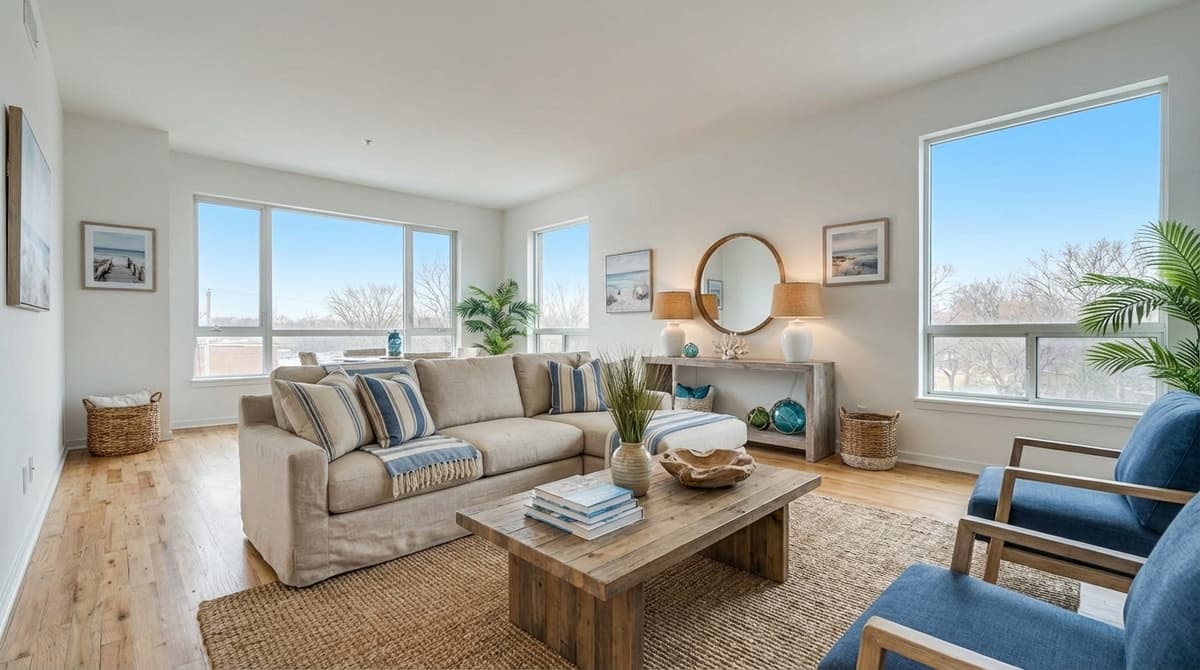
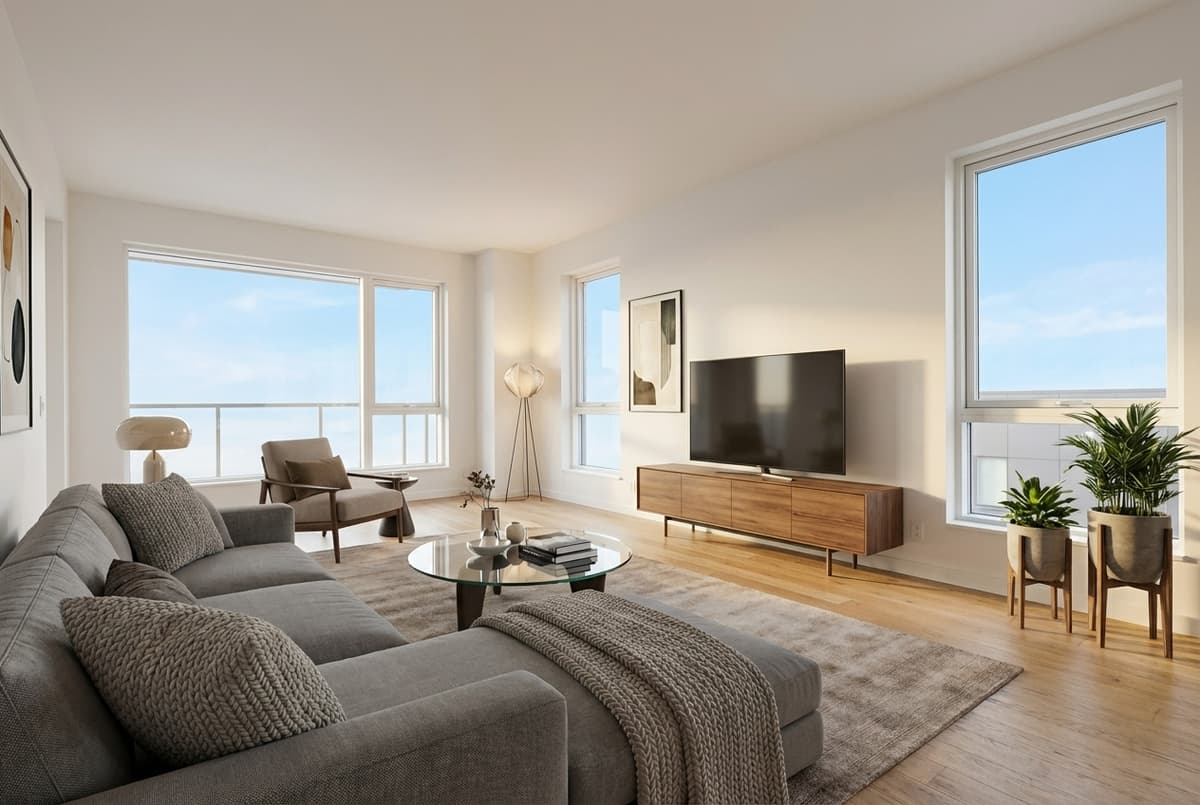
The living room is the photo buyers look at longest and the one most listings lead with. Empty, it reads as a box with a window. Staged, it tells buyers where the sofa goes, how big the room really is, and what it would feel like to host there.
ListingScene adds a correctly scaled sofa, coffee table, rug, accent chairs, lighting, and wall art positioned to the room's actual layout, in under 10 seconds. Walls, floors, windows, and dimensions stay exactly as photographed.
3 free edits every day. No credit card required.
More living room before and after examples
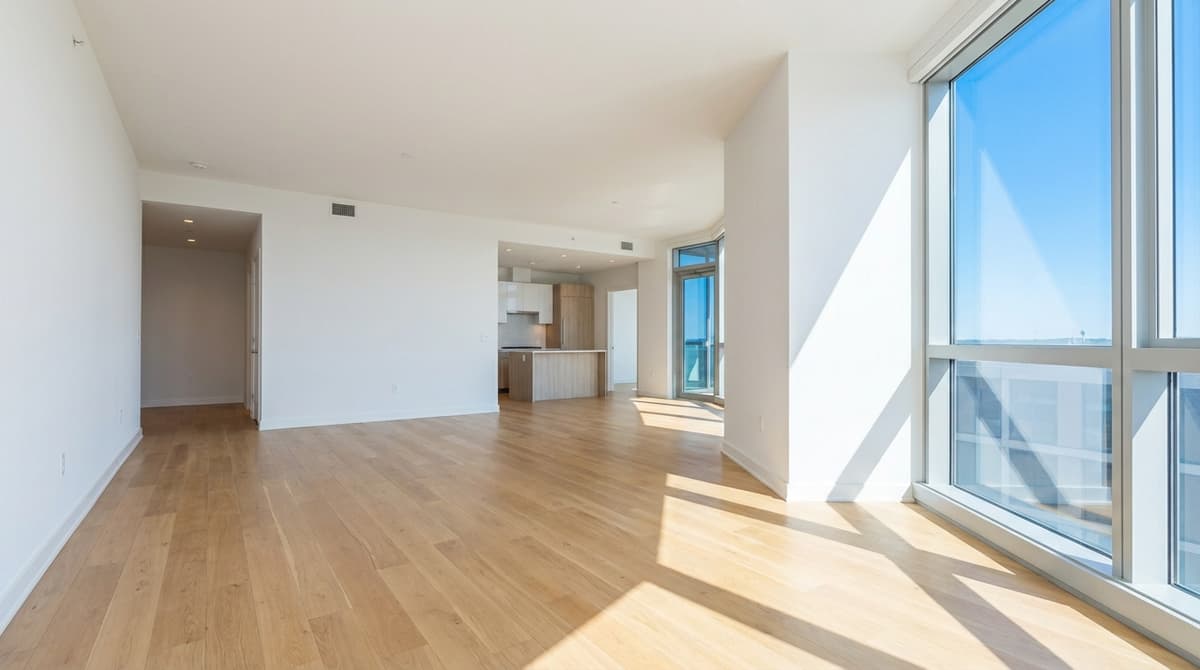 Before
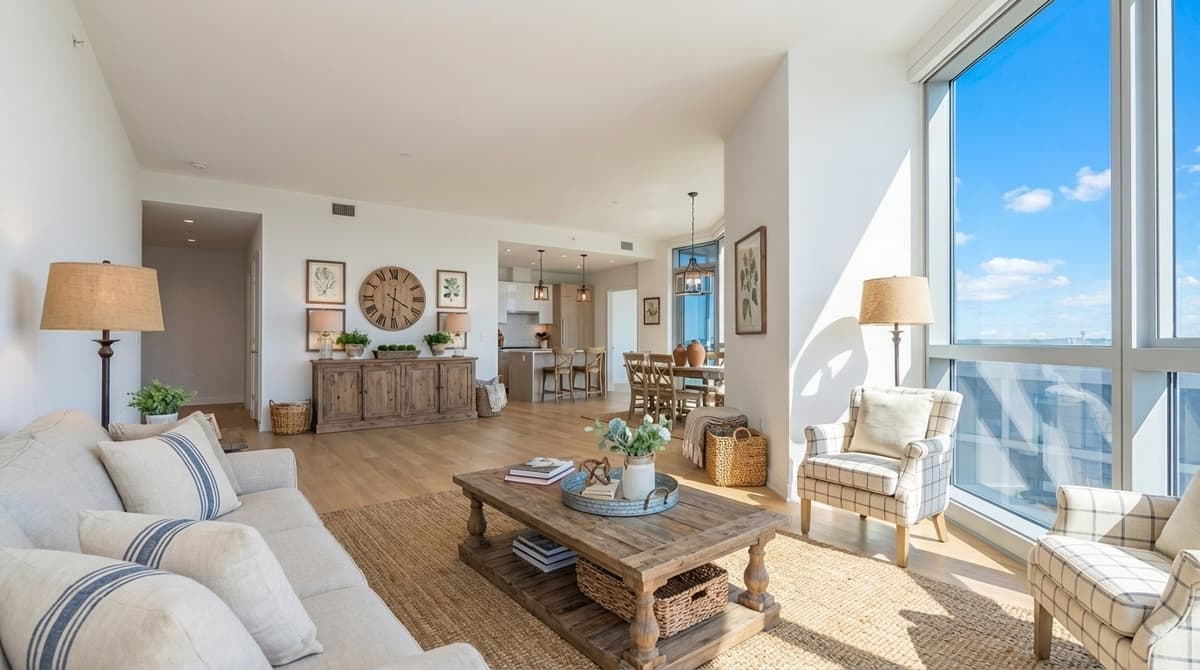 AfterBefore
 After
After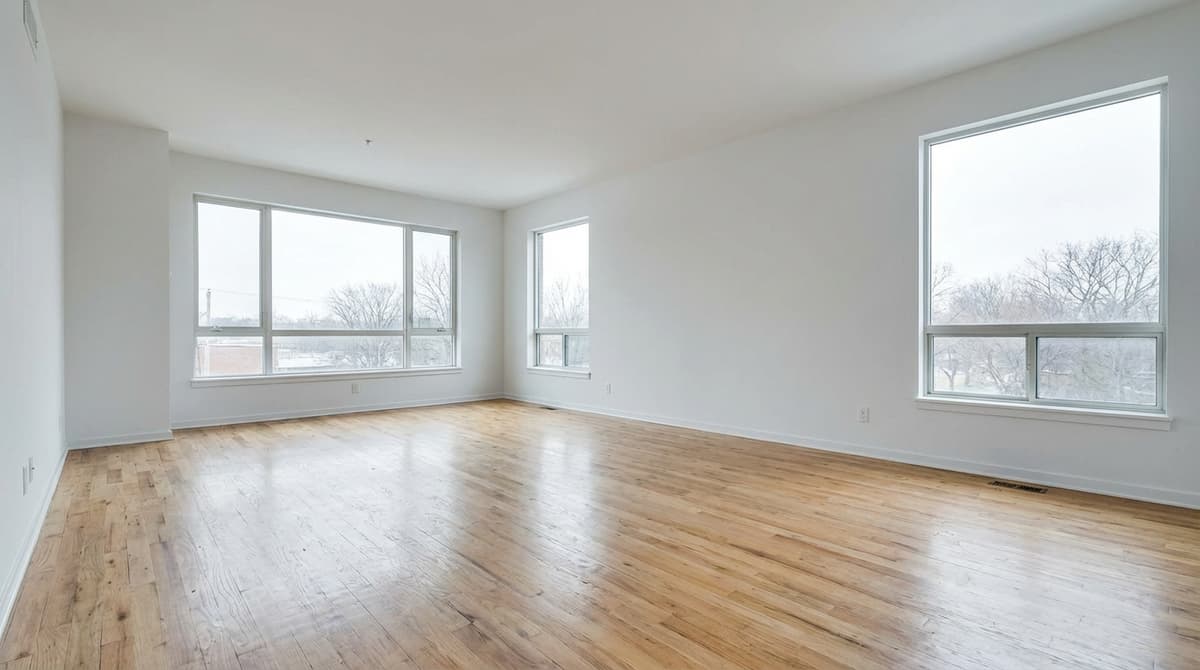 Before
 After
After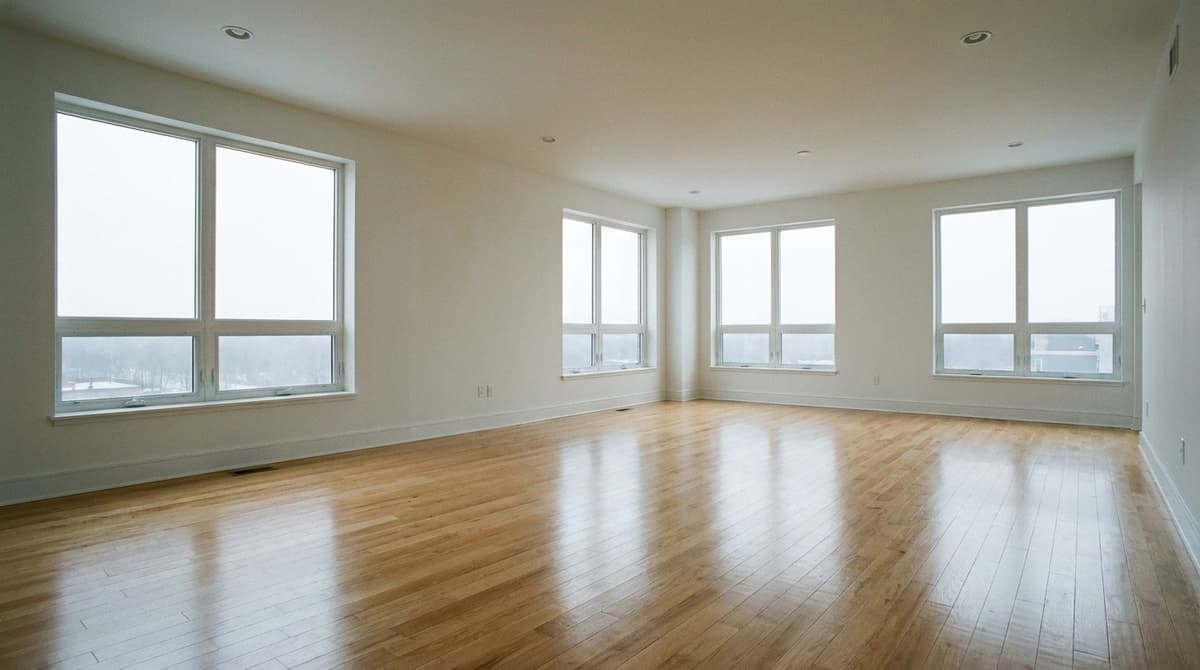 Before
 After
After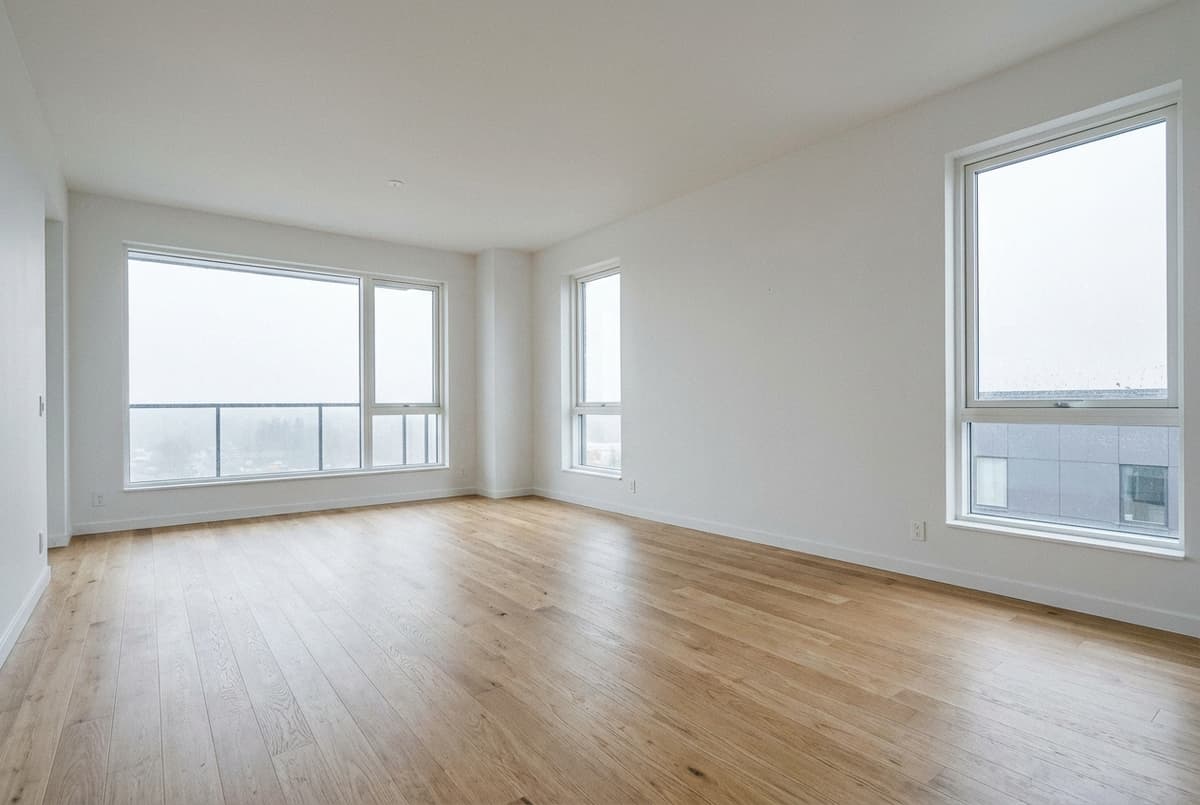 Before
 After
AfterTips for staging a living room
Shoot from the doorway corner
A corner angle shows two walls and the window, which gives the staging a natural focal point and makes the room feel larger.
Match the style to the buyer
Downtown condos convert best with modern or minimalist staging; suburban family homes with farmhouse or coastal. Try two styles and keep the one that fits the neighbourhood.
Keep the window view
If the window is blown out, run sky replacement first so the staged room has a bright, believable view.
Stage every angle consistently
Multi-view staging keeps the same furniture set across two to five photos of the same living room, so the listing gallery does not contradict itself.
How virtual staging works on ListingScene
Upload the photo
Any empty or partly furnished room, JPEG, PNG, or WebP up to 25 MB.
Pick room and style
Choose living room and one of 10+ styles, and whether to keep or replace existing furniture.
Download in 10 seconds
Get a photorealistic PNG with the original kept alongside it, plus an optional "Virtually Staged" watermark.
Frequently asked questions
How much does virtual staging a living room cost?
On ListingScene every staged photo uses one edit. The free plan includes 3 edits a day, and Pro is $8.99/month for 100 edits a day, which works out to about $0.09 per staged living room at full use. Outsourced virtual staging typically costs $10 to $35 per photo and takes 24 to 48 hours.
Does the living room have to be empty?
No. Choose "keep existing furniture" to add complementary pieces around what is already there, or "replace all" to clear dated or mismatched furniture and stage the living room from scratch. Walls, floors, windows, and room dimensions are never changed either way.
Do I have to disclose that the living room photo is virtually staged?
Most MLSs require disclosure, and California requires a conspicuous label plus the original photo. ListingScene can add a "Virtually Staged" watermark and always keeps the unedited original so you can publish both.
Stage your first living room free
See the result in 10 seconds. No credit card required.
Get Started Free