Coastal Virtual Staging
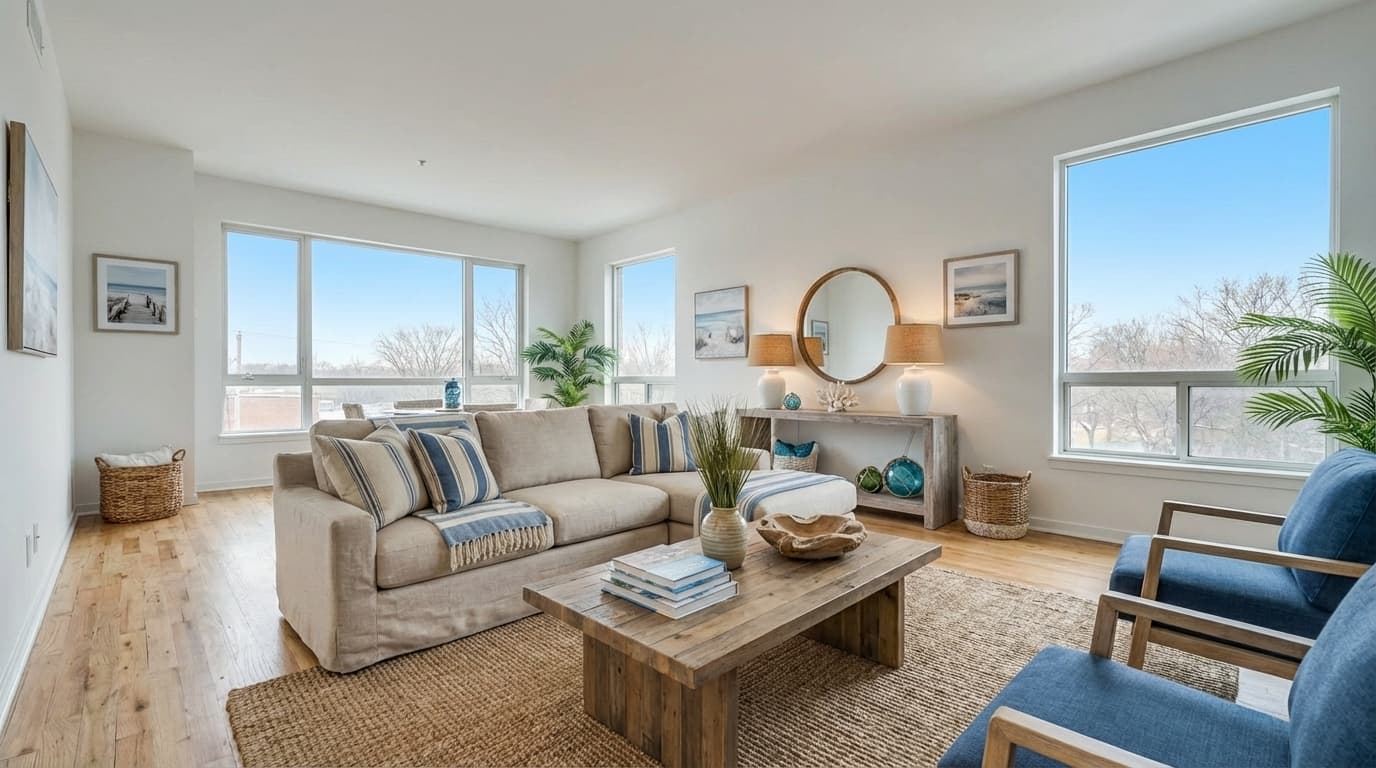
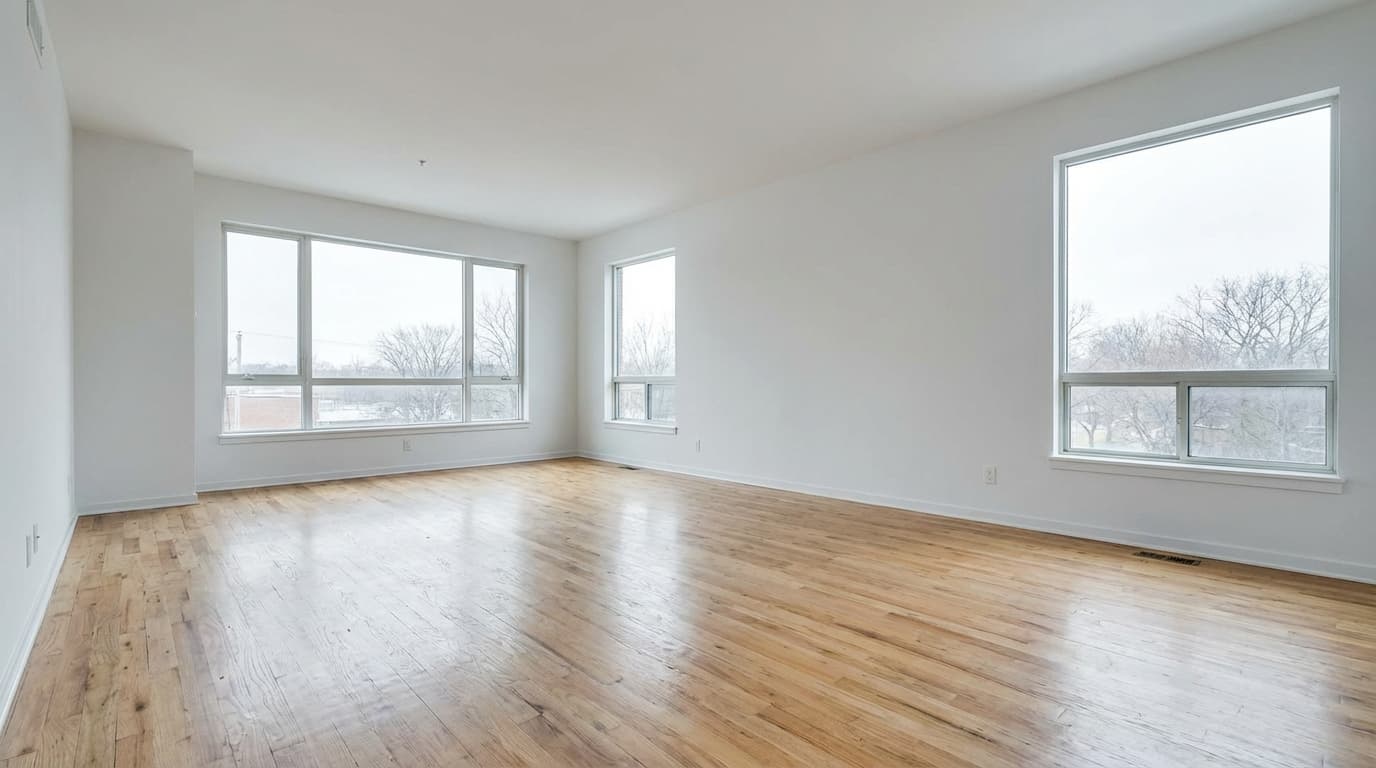
Living room, coastal style. Drag to compare.
Coastal staging uses whites, sand tones, soft blues, rattan, and linen to make rooms feel airy and relaxed. It is the top-performing style for beach towns, lake houses, and vacation rentals.
Because the palette is light, it also brightens rooms that photograph a little dim, which makes it a practical pick beyond the coast.
3 free edits every day. No credit card required.
Where coastal staging works
Best for
Beach and lake properties, vacation rentals, bright rooms with large windows.
Avoid for
Dark urban interiors, where the look can feel out of context.
How virtual staging works on ListingScene
Upload the photo
Any empty or partly furnished room, JPEG, PNG, or WebP up to 25 MB.
Pick room and style
Choose the room type and coastal, and whether to keep or replace existing furniture.
Download in 10 seconds
Get a photorealistic PNG with the original kept alongside it, plus an optional "Virtually Staged" watermark.
Frequently asked questions
Which rooms work best with coastal virtual staging?
Any room can be staged in coastal style. Pick the room type and the style when you upload, and the furniture, rug, lighting, and decor are chosen to fit that room's layout and the coastal look.
Can I compare coastal with another style on the same photo?
Yes. Re-run the same photo with a different style in seconds. Each run uses one edit, so trying three styles on one room costs three edits, about $0.27 on Pro.
Is coastal virtual staging realistic enough for MLS listings?
The output is photorealistic and sized to the real room, so it is suitable for MLS, Zillow, and Realtor.com. Follow your MLS disclosure rules and keep the original photo alongside the staged one; ListingScene stores both.